

Project fit & buying priorities
GIS vendors, survey and infrastructure teams, positioning providers and system integrators can assess the workflow, integration and ongoing support together. Operations should define tasks and exceptions, IT should validate interfaces and access, and procurement should compare complete configurations and service scope.
The terminal provides display and workflow interaction; sensors, alarm thresholds and safety interlocks belong to the relevant project systems.
From field action to a complete record
- 01Connect the monitoring platform
- 02Display alert level and device status
- 03Assign field verification
- 04Record actions and return closure status
System integration & delivery responsibilities
Use monitoring device, alert ID, severity, trigger time, acknowledging operator, response job as the integration checklist. Define field ownership, required values and exception handling. Complete one representative job from terminal to API and backend review before scaling to more teams or sites.
SOTEN provides field terminals, interfaces and configuration support. Positioning and GIS partners supply receivers, correction services, coordinate processing and business algorithms. Determine accuracy through tests of the selected system.

Turn requirements into testable selection criteria
| Criterion | Confirm with the project team | Evidence to request |
|---|---|---|
| Use and configuration | Confirm capture methods, environment and operator interaction against the criteria above | Representative jobs, tags and peripheral list |
| Systems and interfaces | GIS / location services / asset and work-order platforms application version, fields, SDKs and protocols | Installable software, API specification and test account |
| Operations and support | Actual shifts, power, network, mounting and spare-unit plan | Full-shift test, installation drawing and support responsibilities |
Product platforms to evaluate
Select a platform by workflow, then confirm the branch, operating-system version and modules. The suggestions below do not mean every option is included in every configuration.

H81
Map workflows & positioning optionsMultifunction tablet for business forms and capture options; select the system platform and module combination.
View platform and configurations ↗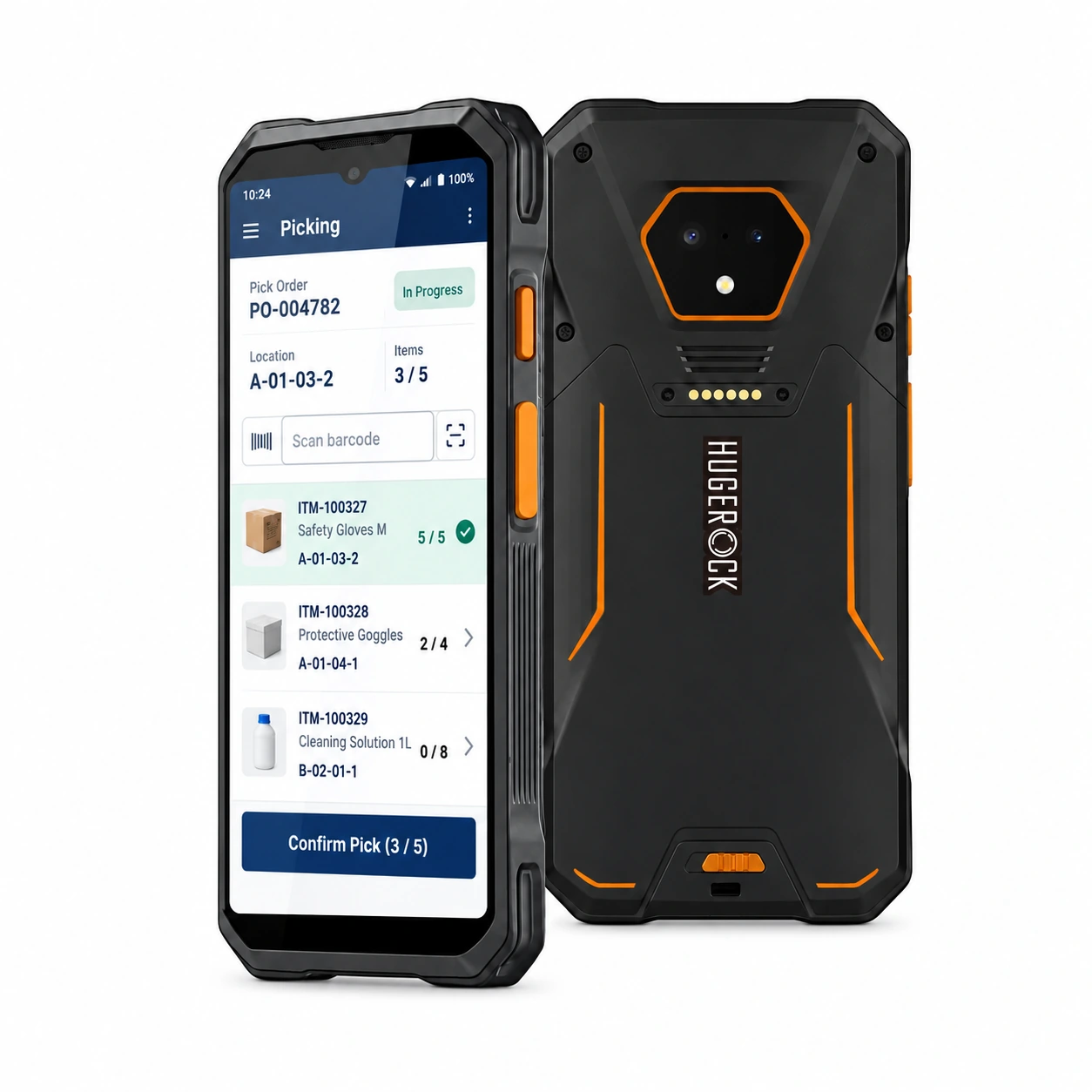
H61
Inspection records & mobile formsHandheld workflow candidate for mobile scanning roles that require frequent movement and one-handed interaction.
View platform and configurations ↗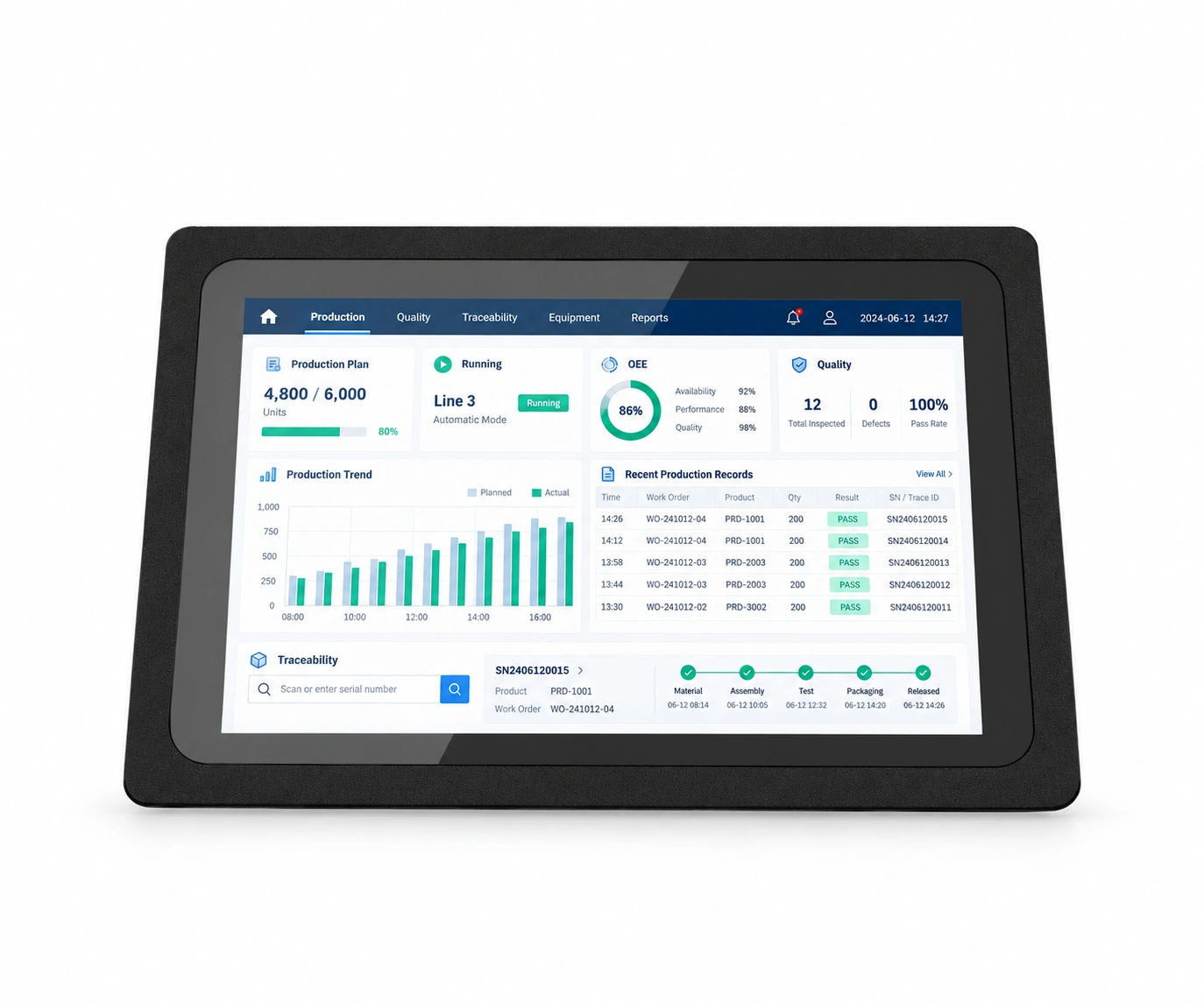
PTC
Fixed monitoring & workflow stationIndustrial panel PC: select screen size, touch technology and ARM or x86 board for the workstation.
View platform and configurations ↗Pilot validation & procurement acceptance
Use simulated alerts to check delivery, acknowledgment rights, duplicates and response routing without treating a demo as safety-system validation.
- Operations: confirm completion, exception review and result retrieval against real workflows.
- IT / integration: verify fields, permissions, offline recovery and duplicate handling.
- Procurement / support: freeze the tested device, software and accessories, and agree delivery, spares and service terms.
Questions before the project starts
Can this connect to our existing system?
GIS / location services / asset and work-order platforms are integration targets, subject to application compatibility, interface access and SDK validation. Share the software version, API specification and an anonymized workflow sample for a device pilot. Agree device supply, integration and rollout as explicit work packages.
What should we prepare before selecting pilot devices?
Provide CRS, mapping software and sample data, receiver protocols, accuracy requirements and outdoor conditions. Include deployment region, estimated quantity, project stage and intended rollout date to define candidate configurations and a test plan.

