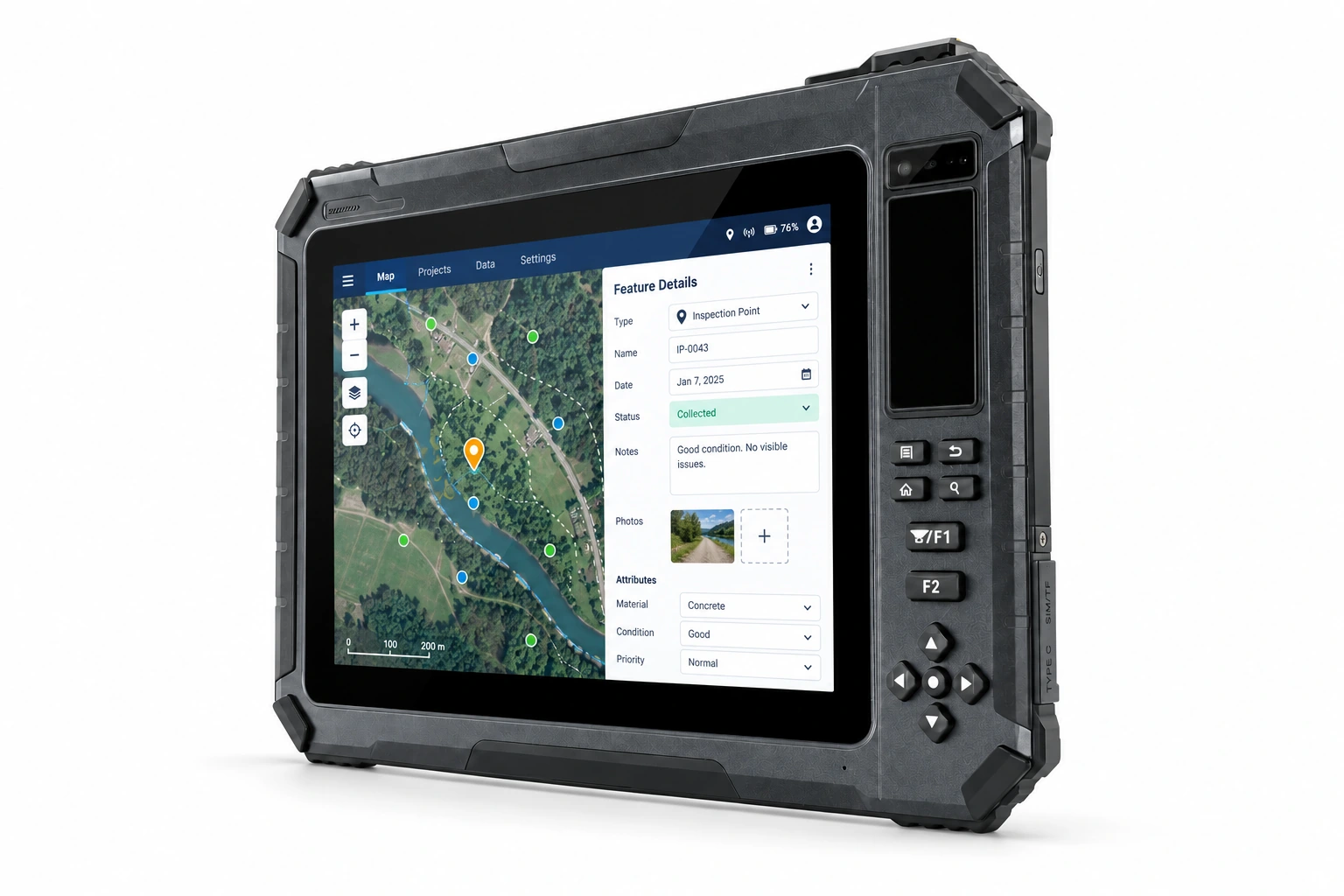
Enrolment workflow
Define capture, enrolment and matching steps, including credential and biometric-data flows.
Match biometric modules, credential readers and interfaces to enrolment and identity-verification workflows.
For software providers, integrators, device brands and project owners. Define the workflow before confirming device versions, modules and interfaces.
Define capture, enrolment and matching steps, including credential and biometric-data flows.
Check the exact fingerprint, iris or credential modules, required standards, licences and software.
Share platforms, protocols and deployment countries to agree SDK and sample-validation scope.
Features below follow this model’s product information and may include variant-specific or optional modules. Confirm device versions, interfaces, SDKs and software before integration.
Confirm computing platform, OS version and application compatibility against the model documentation.
Share connectivity, power and peripheral requirements to verify interfaces and module combinations.
Define development resources, SDK integration and sample-validation scope around your workflow.
Explore hardware, OS, interfaces and expansion specifications. Performance and features vary by configuration; choose the options that fit your deployment.
| SPECIFICATION | |
|---|---|
| Soten | |
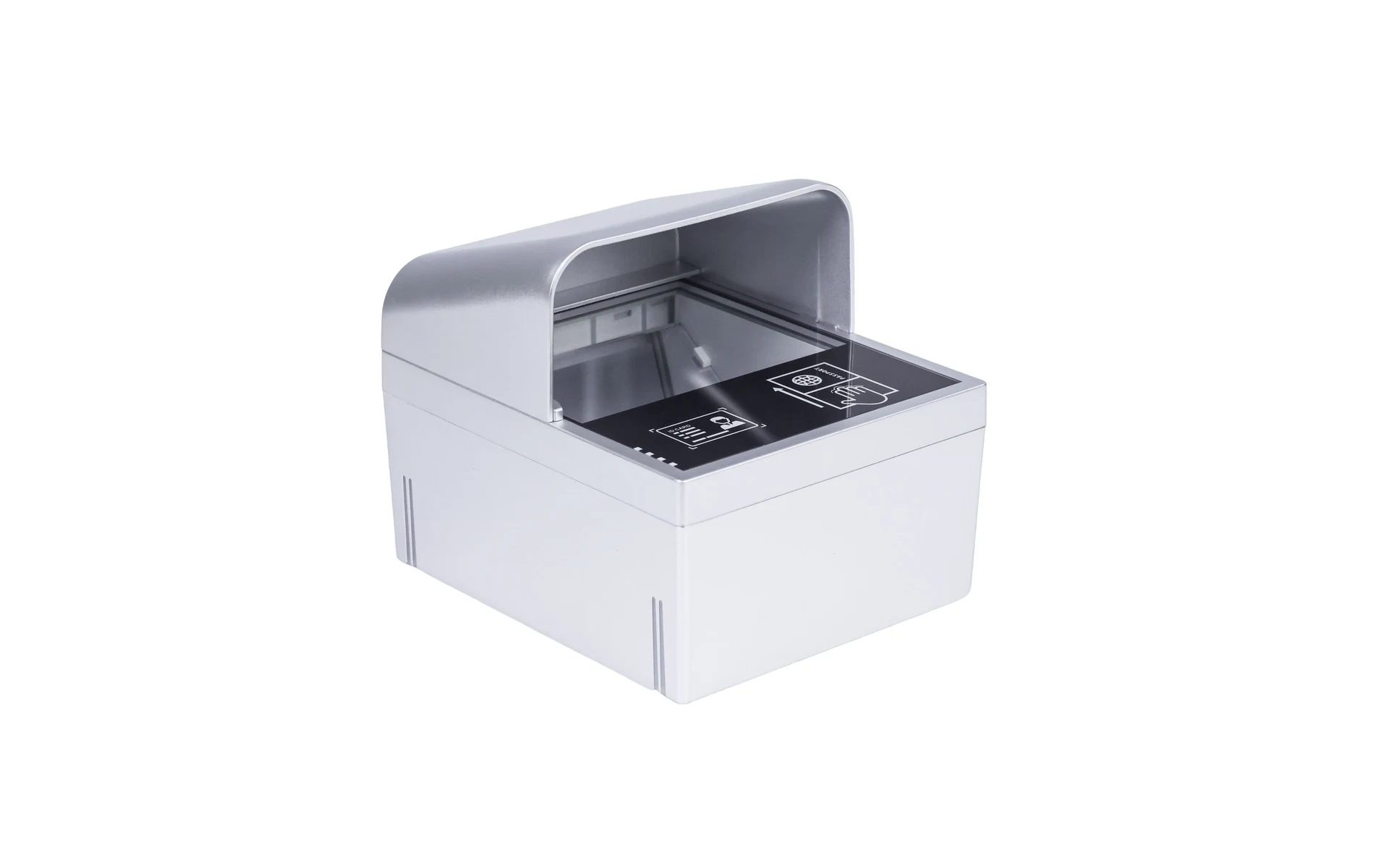
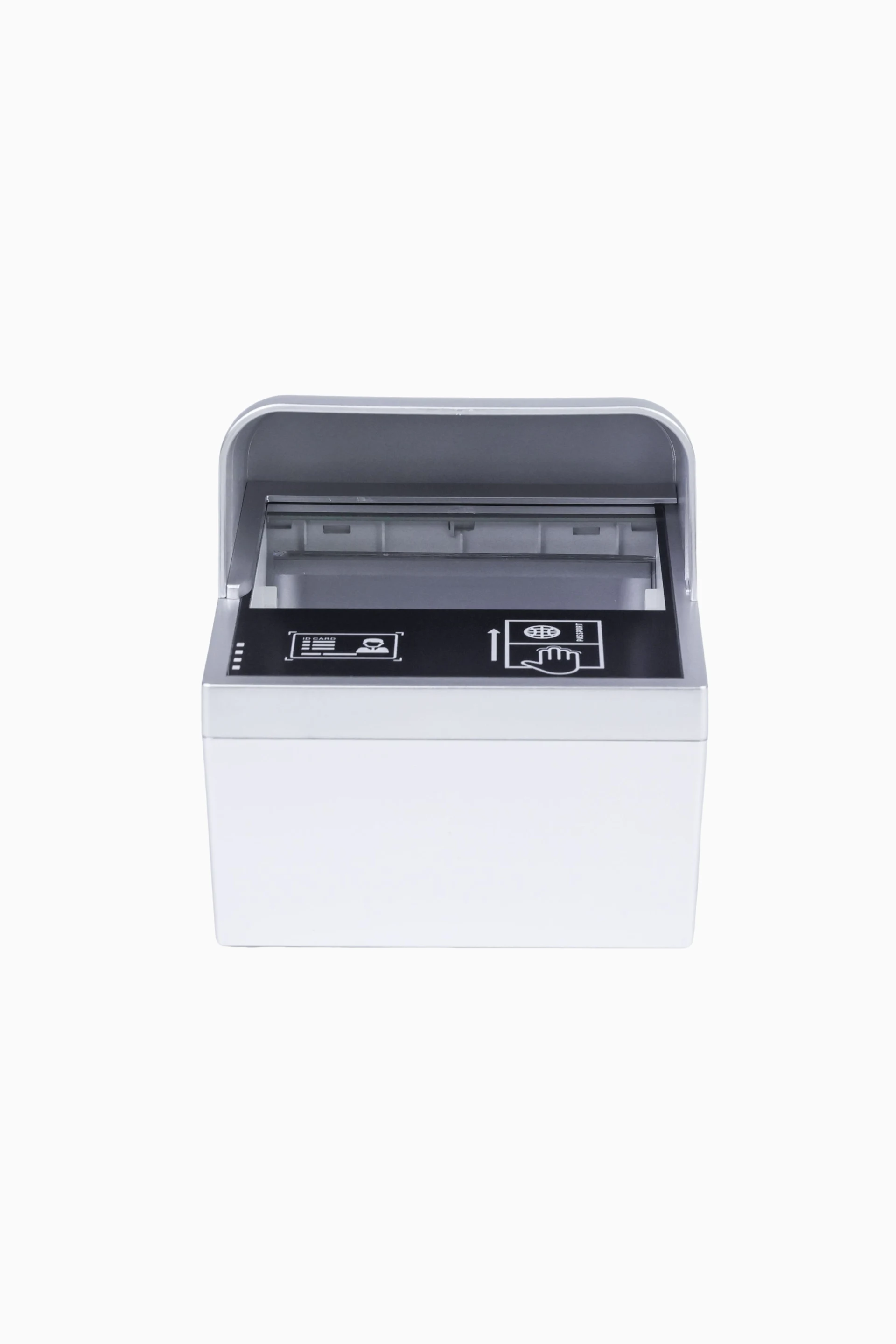
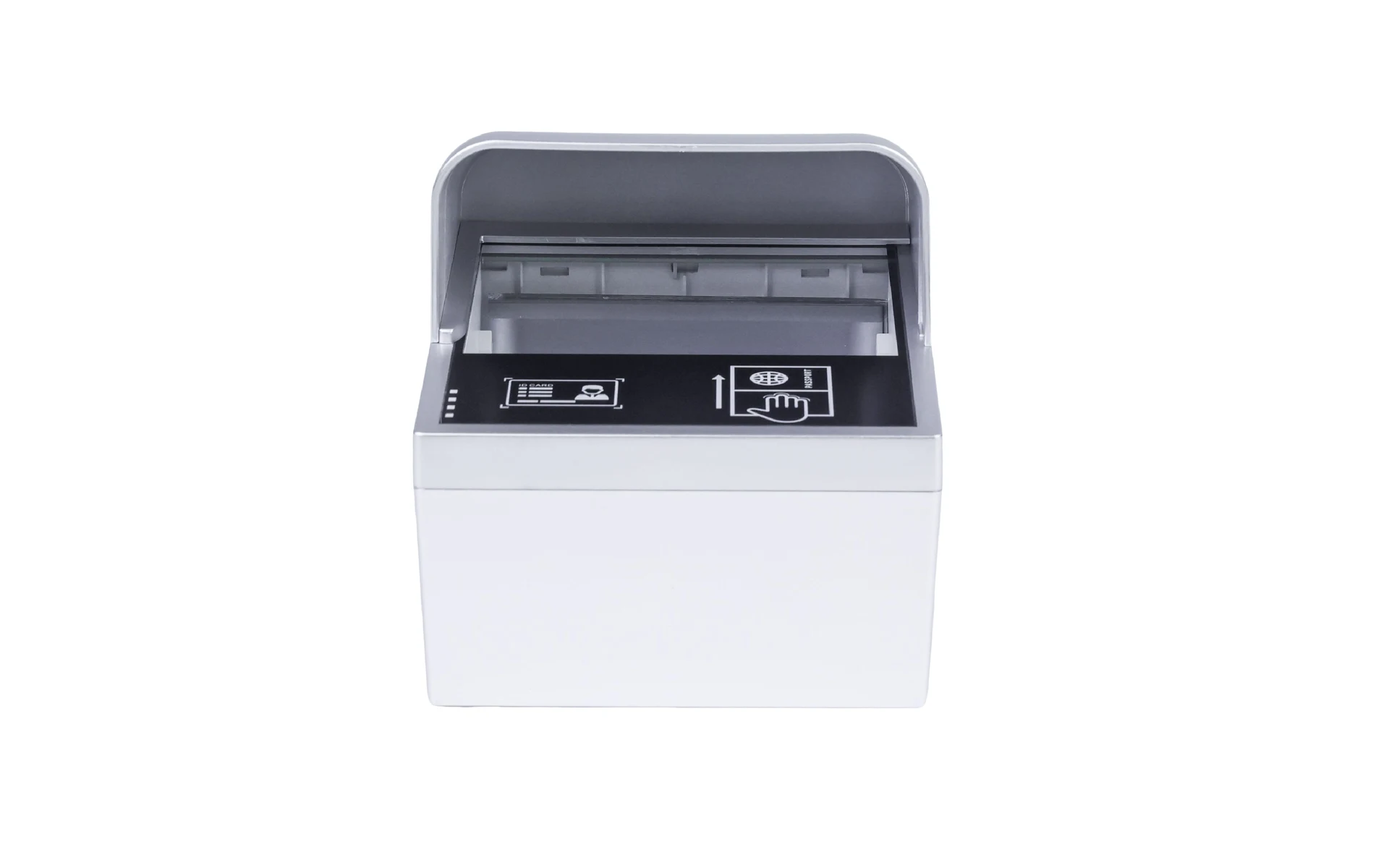
| Document Support | Supports reading all international documents compliant with the ICAO DOC 9303 standard (passports, Hong Kong and Macao travel permits, German ID cards, etc.). Supports reading RFID chips from biometric travel documents according to the ICAO 9303 standard. |
| Automatic Trigger Recognition | Supports auto-sensing to trigger document reading when a document is placed on the device, which also works for documents without RFID chips. Can automatically capture the passport photo. |
| Light Source | Visible light, Infrared light (350nm), UVA ultraviolet light (365nm). |
| Anti-counterfeiting | Supports verification of UV features, infrared features, chip data, and cross-validation between OCR data and electronic chip content. |
| OCR | Supports OCR recognition of the ICAO-compliant MRZ (Machine Readable Zone) code on non-chipped passports. |
| RFID Reading | Supports ISO 14443 Type A/B specifications with a maximum speed of 848 Kbps. Supports ICAO 9303 LDS 1.7.1.8. |
| Automatic Classification | The system automatically distinguishes between document types. |
| Indicator Lights | Includes Power, Ready, Error, and Warning indicator lights. |
| Dimensions | Length × Width × Height: 165 × 142 × 80 mm. |
| Weight | 1 kg. |
| Operating Environment | Humidity: 20% to 95%. Temperature: -10°C to 50°C (Operating); -20°C to 50°C (Storage). |
| Communication Interface | Data communication via USB Type-C 2.0, comes standard with a 1.5m USB cable with a magnetic ring. Supports dual USB input. Supports Ethernet communication. |
| Power Supply | Standard power adapter: Input AC 100–240V 50-60Hz; Output DC 12V 5A. |
| Display Interface | Supports HDMI connection to a monitor to display document reading results. |
| System Support | Windows XP, Windows 7, Windows 10, Linux 5.1.X and above, Android 10 and above. |
| Photo Formats | BMP, JPG, PNG. |
| Firmware Update | The device is updated by connecting to a computer via the Type-C cable. |
| Interface Integration | Provides USB-to-serial data interface documentation. Supports retrieval of the following information: Machine Readable Zone (MRZ) code; RFID chip data according to the ICAO 9303 standard; Personal image from the RFID chip; Fingerprint data from RFID chip authentication. |
Check the selected model and documentation version before confirming modules, accessories and certification scope. Evaluate variant specifications separately.



*Please contact customer service for details on parameters and functions.
Align technical, quality and procurement teams around the same model and configuration scope.
Define OS versions, modules and peripherals, then validate software integration and field operation.
Review model-specific certification, tests and environmental conditions. For hazardous areas, verify certificates and permitted configurations separately.
Confirm pricing, lead time, configuration changes and repair support against volume, location and project stage.
Share the application, model or version, modules, interfaces, deployment country and expected volume to define configuration and project scope.
Start with enrollment or verification workflows. Check the listed capture modules, SDKs, data formats and access permissions, then validate the complete process with a sample device.
For: Identity software providers, enrollment integrators and procurement teams
Check model datasheets · Prepare SDK and application interfaces · Discuss your project configuration
Talk to SOTEN about your application, device configuration and system integration.