
HUGEROCK / X7 OUTDOOR DISPLAY & MOBILE APPLICATIONS
X77-inch High-brightness Outdoor Tablet
Connect drone operations, outdoor navigation and mobile monitoring through a 2600nit display, a portable body and mounting options.
7″ / 1920×10802600nit4G LTE7000mAhIP688GB / 128GB
 Industry application interface illustration
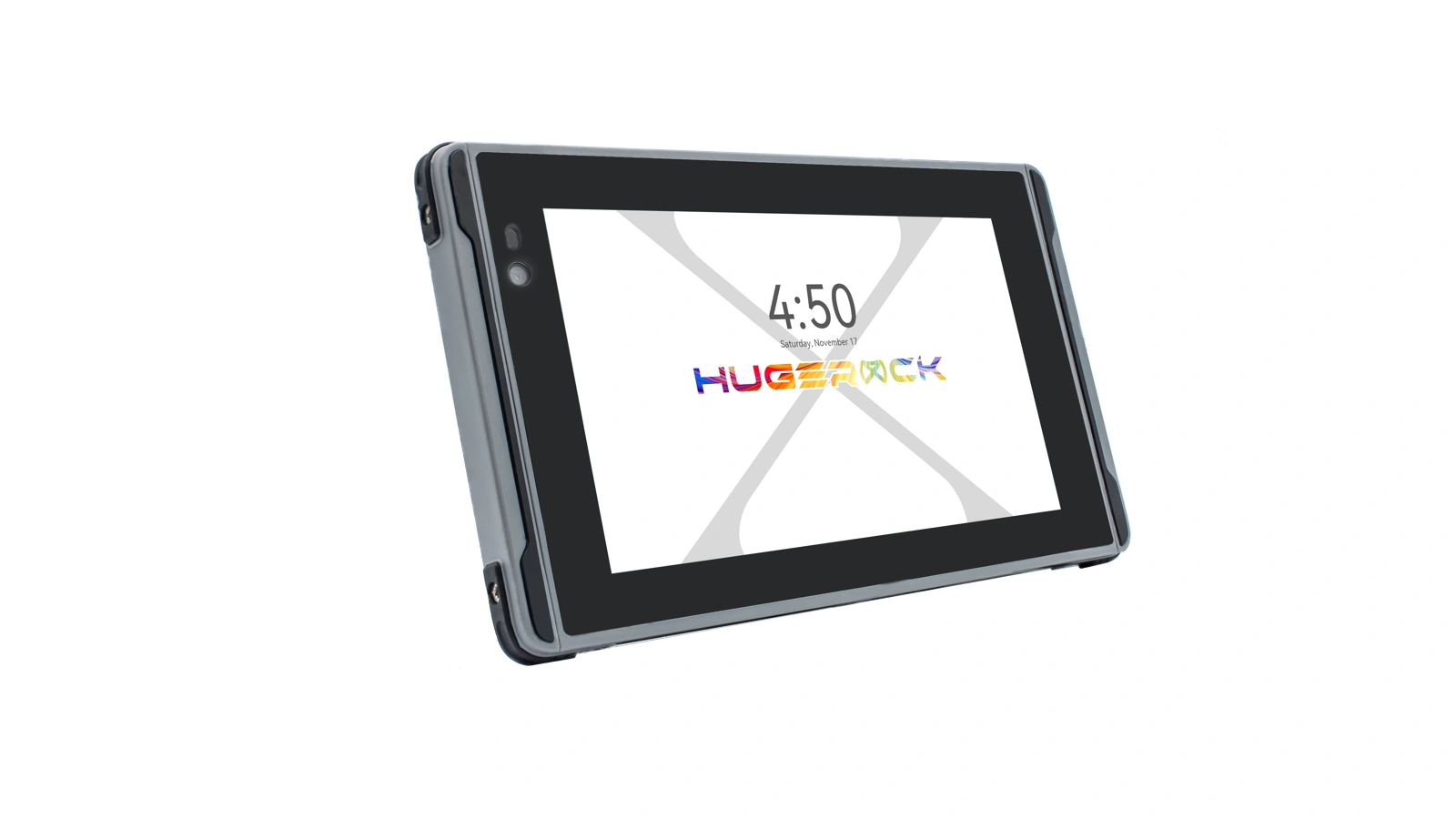 Three-quarter view
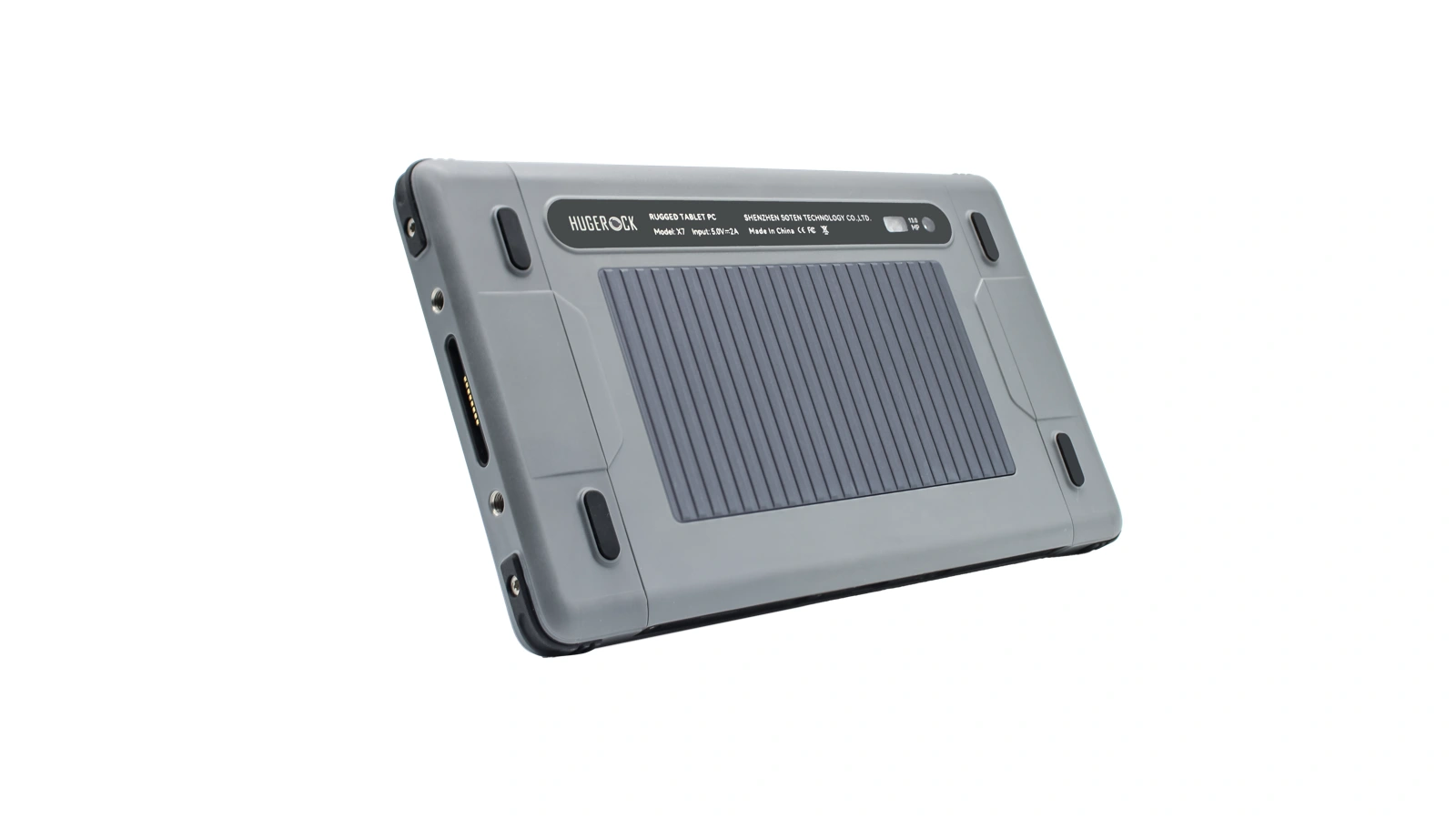 Rear design
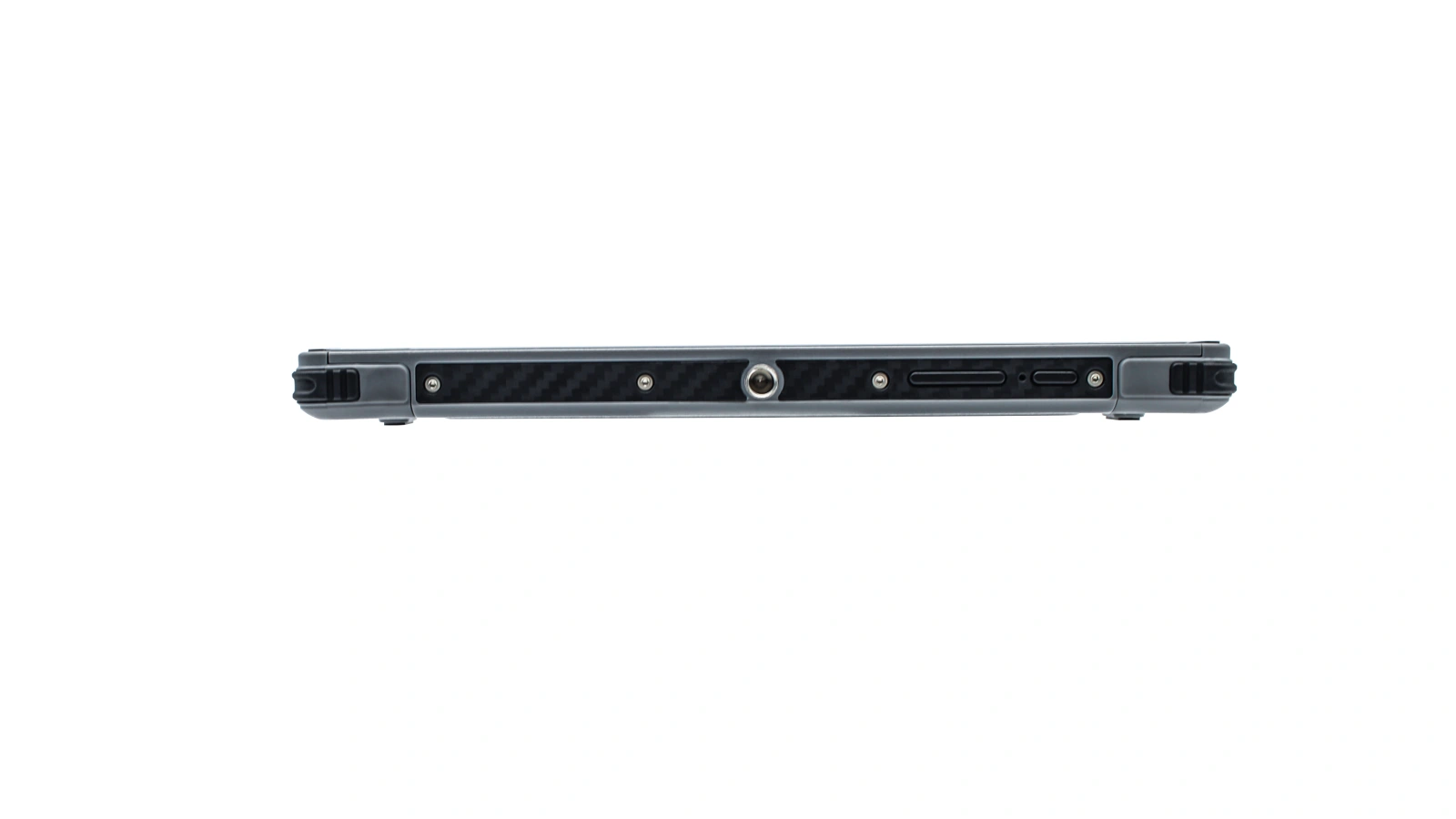 Side profile & interfaces
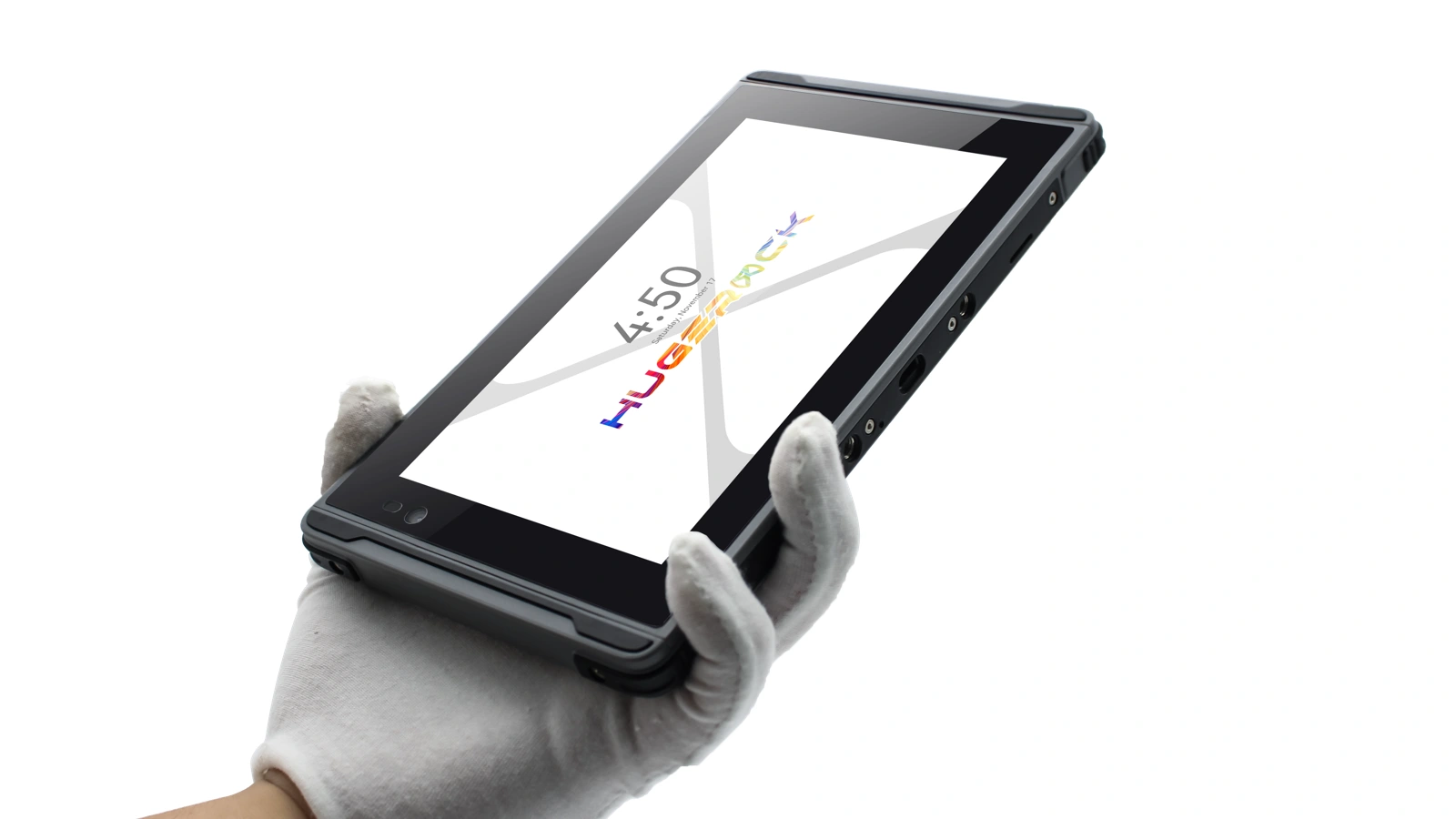 Handheld operation
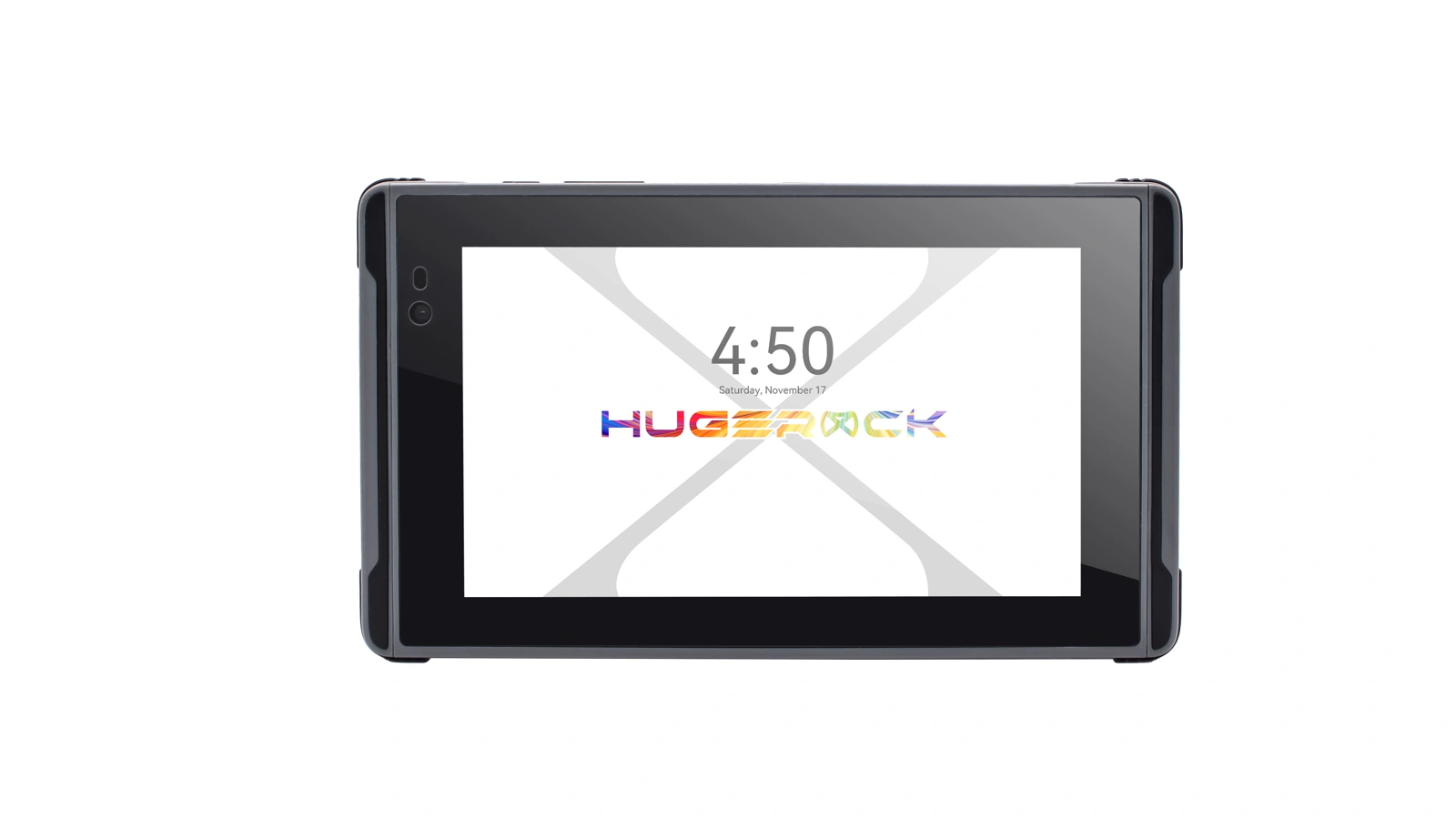 Front design
Industry interface illustration · software and device configuration depend on the project · select an image to enlarge
01 / APPLICATION FIT
Match the terminal to your workflow.
For drone solution providers, navigation software vendors, outdoor device brands and integrators: review software compatibility, connectivity, mounting and continuous power.
Motorcycle & outdoor map navigation
Mobile monitoring & peripheral displays
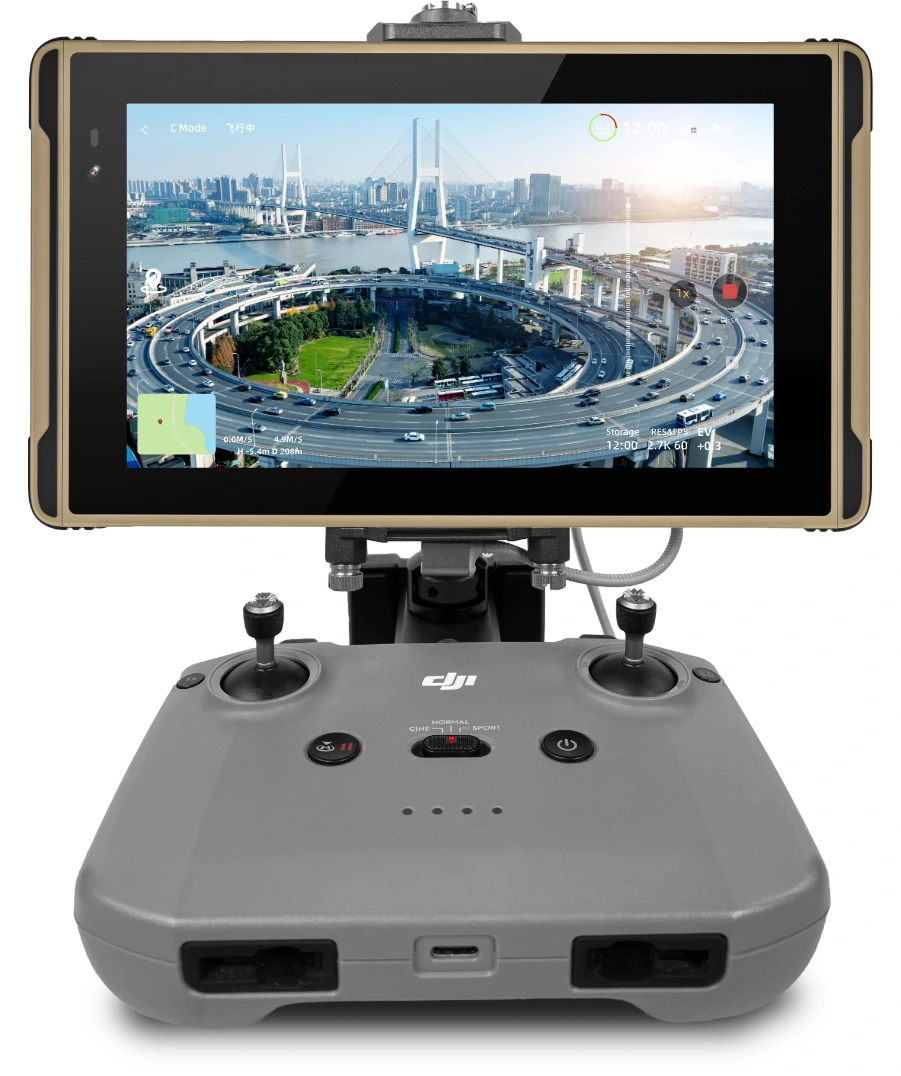
Drone operation display
Validate the controller, application version, data cable and mounting for ground operations.
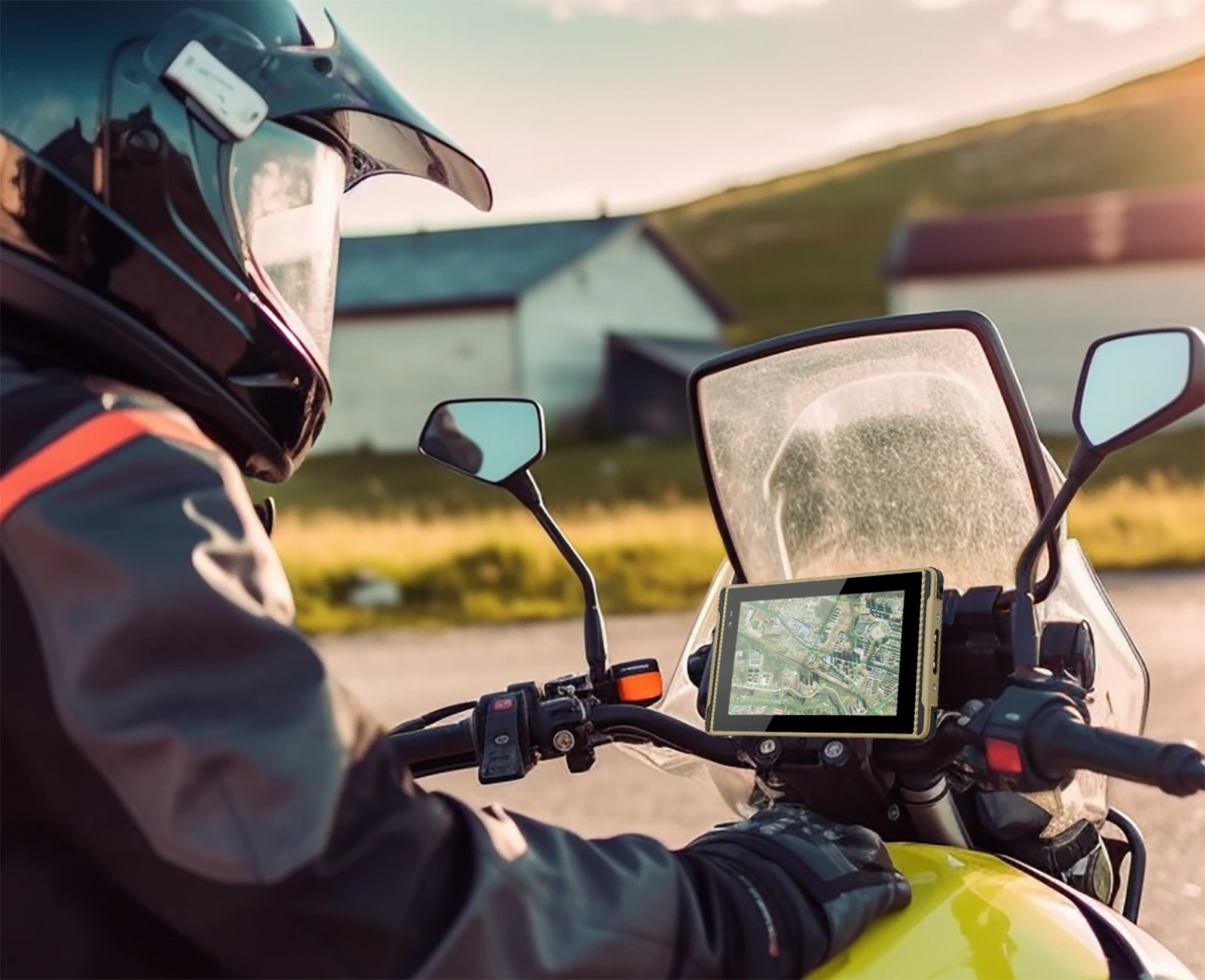
Outdoor map navigation
Validate road conditions, mounting, continuous power and map software as one solution.

Mobile peripheral monitoring
Display content and data come from paired peripherals and applications; confirm interfaces and software compatibility.
Make outdoor visibility part of the complete solution.
X7 combines a 7-inch 1920×1080 2600nit display, 7000mAh battery, 4G connectivity and a 456g body for portable outdoor applications. Assess mounting and connectivity for drone controllers, motorcycle mounts and mobile equipment. Confirm application versions, peripheral interfaces, cables, charging and working duration, then validate touch, visibility and field operation with a sample.
02 / DEPLOYMENT SELECTION
Start with the application, then define mounting and power.
Validate software, connectivity, mounting and power together against operating conditions and workflows.
Software & controllers
Confirm application versions, Android compatibility, controllers and cables.
Mounting & position
Review clamps, mounting points, viewing angles, vibration and operating space.
Power & charging
Review Type-C, magnetic cables, input power and cable routing; validate runtime under actual workloads.
Field conditions & operation
Validate sunlight, temperature, glove touch and weather conditions with a sample.
| Model | X7 |
|---|---|
| Display & brightness | 7″ / 1920×1080 / 2600nit |
| RAM / storage | 8GB / 128GB |
| Body & battery | 208×121×16mm / 456g / 7000mAh |
| Body colours | Desert yellow / Gray |
Drone control, map navigation and peripheral monitoring depend on compatible applications and paired equipment. Share target applications, controller or peripheral models and mounting requirements to confirm the configuration.
03 / CONNECTIVITY & MOUNTING
Bring display, connectivity and mounting together.
Validate interfaces and cables with actual equipment and software, then confirm the installation.
| Software compatibility | Android 9/10/11/13 (Continuous updates) |
|---|---|
| Data interface | USB Type-C |
| Charging interface | USB Type-c 24pin (Support OTG and RJ45) / Magnetic Charging Cable |
| Charger | 5.0V 2A-10W |
| Navigation | GPS+Beidou+Glonass+AGPS+SBAS (EPO 2.5m) |
Controller & data connection
Review USB roles, cable interfaces, drivers and application permissions on the complete equipment setup.
Mounting & power accessories
Confirm attachment to the controller, handlebar or workstation mount, plus charging cables and input power.
Software & field validation
Test visibility, touch, maps, data connections and working duration using the target application.
Peripheral displays, video links and thermal-imaging applications require paired equipment and software; these functions do not imply built-in sensors or receivers. Navigation uses the listed GNSS configuration; validate positioning performance for the application.
04 / MODEL-SPECIFIC SPECIFICATIONS
X7 technical specifications
Review hardware, software, interfaces and environmental specifications for the selected model. OS and module combinations are confirmed for the delivery configuration.
Hardware & display
| CPU | ARM Cortex A73 Octa-core ( 2.0GHz ) |
|---|---|
| GPU | ARM Mali-G72 MP3 |
| RAM | 8GB |
| Internal Memory | 128GB |
| External Memory | Micro SD card ( T-FLASH card), Max 2TB |
| Main Camera | 13.0MP (AF) With Flash Led |
| Sub Camera | 5.0MP |
| Battery | 7000mAh |
| Display | 7 inch 1920*1080 FHD resolution super bright 2600nit |
| Touch Panel | Capacitive/frosted tempered film supports glove touch/spray/active capacitive pen |
Communications & connectivity
| Phone Call | GSM /WCDMA/VoLTE |
|---|---|
| 2G | GSM/EDGE/GPRS/WAP |
| 2G Band | GSM (B2/3/5/8) |
| 3G | WCDMA 3.75G (HSDPA+42.2Mbps, HSUPA+11.5Mbps) |
| 3G Band | WCDMA(B1/2/5/8) |
| 4G | FDD: 150Mbps down, 50Mbps UP TDD: 150Mbps , 50Mbps up |
| 4G Band | TDD-LTE(B38/39/40/41); FDD LTE (B1,B2,B3,B4,B5,B7,B8,B12,B17,B20,B28) |
| WI-FI | Dual-band WIFI(2.4GHz/5Ghz)single stream 802.11 a/b/g/n/ac |
| BT | 5.0 Low Energy (LE) |
Interfaces, sensors & positioning
| SIM Card/TF Card | Nano SIM card * 2, MicroSD card * 1 (Choose any two out of three) |
|---|---|
| Charging interface | USB Type-c 24pin (Support OTG and RJ45) / Magnetic Charging Cable |
| Data interface | USB Type-C |
| Gravity Sensor | support |
| Magnetic Field Sensor | support |
| Motion Sensor | support |
| Gyroscope sensor | support |
| Light-sensor | support |
| Acceleration Sensor | support |
| Charger | 5.0V 2A-10W |
| Navigation | GPS+Beidou+Glonass+AGPS+SBAS (EPO 2.5m) |
Mechanical design
| Size | 208*121*16mm (L×W×H) |
|---|---|
| Weight | 456g |
| Color & Material | Desert yellow (PC+ABS) + Gray (PC+ABS) |
Environment & reliability
| Shake-proof | 1-19Hz/1.0mm; 19-200Hz/1.0g |
|---|---|
| Dropproof /IK | MIL-STD-810G/Method516.6/Procedure IV & Touch Panel IK05 |
| Waterproof | Class 8 ( IEC 60529 ) |
| Dustproof | Class 6 ( IEC 60529 ) |
| Operating temperature | -20°C to 55°C |
| Storage Temperature | -40°C to 80°C |
| Reliability | MTBF>5000h;MTTR<0.5h |
| RH | 5% to 95% (95%RH, non-condensing) |
| Operating Altitude | Max: 4,500 m (15,000 feet) |
OS & service
| OS | Android 9/10/11/13 (Continuous updates) |
|---|---|
| Warranty | 12 Months |
05 / RESOURCES & DELIVERY
From selection to project delivery.
Download the selected model documentation, then review software, peripherals, cables, accessories and deployment volume with SOTEN.
PDF / X7X7 technical datasheetHardware · interfaces · display · environmentV2.1 ↗OEM / ODMEngineering & project integrationSystem integration · modules · sample validationExplore engineering ↗
Define the workflow
Deployment regions, workflow, operating conditions and business software.
Validate modules & integration
Target applications, controllers, interface cables, OS versions and device accessories.
Confirm build & delivery
Exact model, configuration list, volume, testing and rollout schedule.
X7 selection & system integration
Assess X7 by environment, applications, capture modules and peripherals. Compare OS, display, power and interfaces using the specifications and original documentation, then agree the delivery configuration.
For: Industry software providers, system integrators and device brands
Check model datasheets · Prepare SDK and application interfaces · Discuss your project configuration