
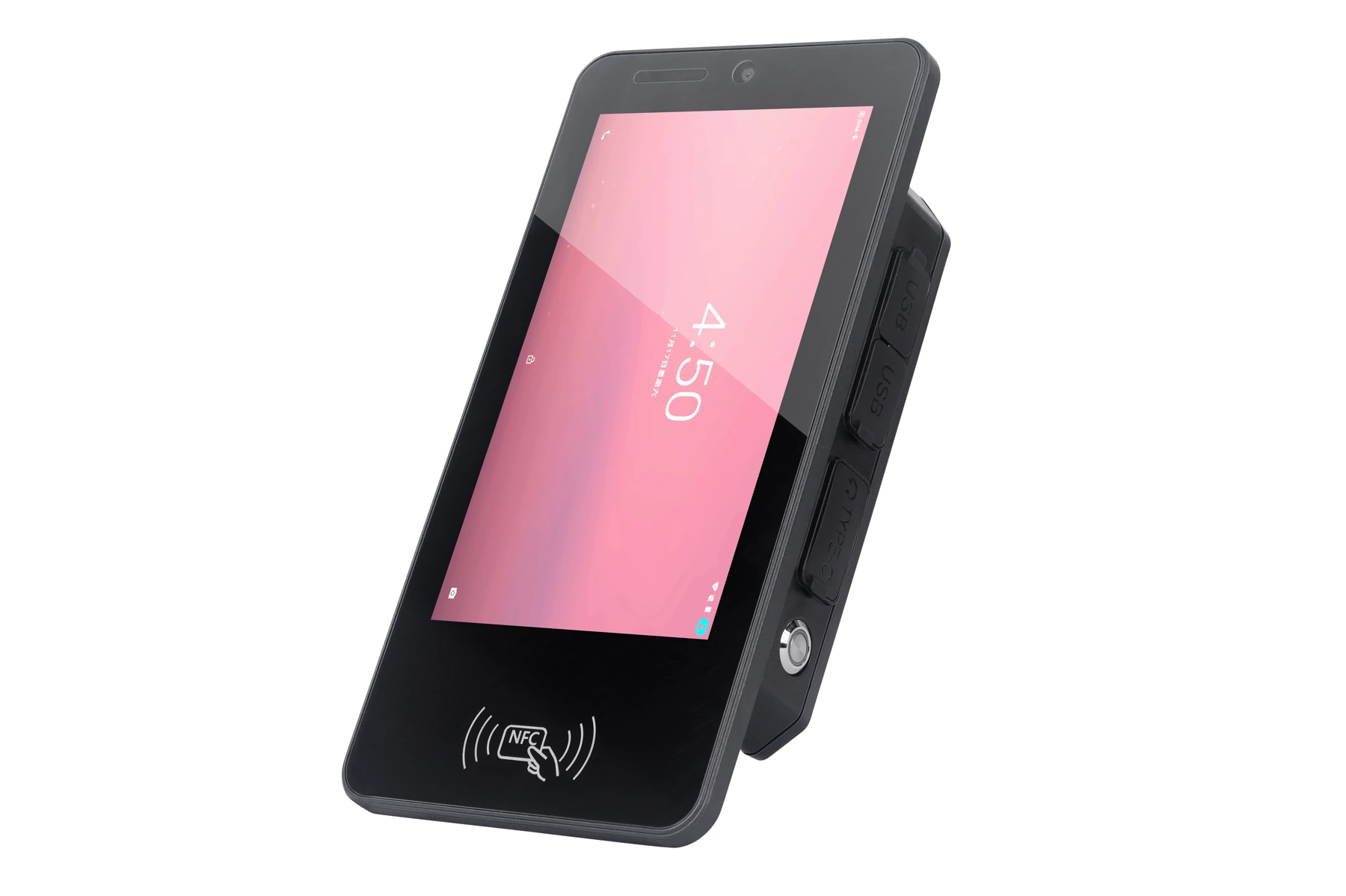
 7-inch industrial smart terminal
K70
7-inch · compact installations & proximity reading
A 10.1-inch 1920×1200 landscape interface with DC 9–24V power and optional interfaces for equipment HMIs, vehicle dispatch and positioning-enabled integration projects.
 Three-quarter view
 Front view
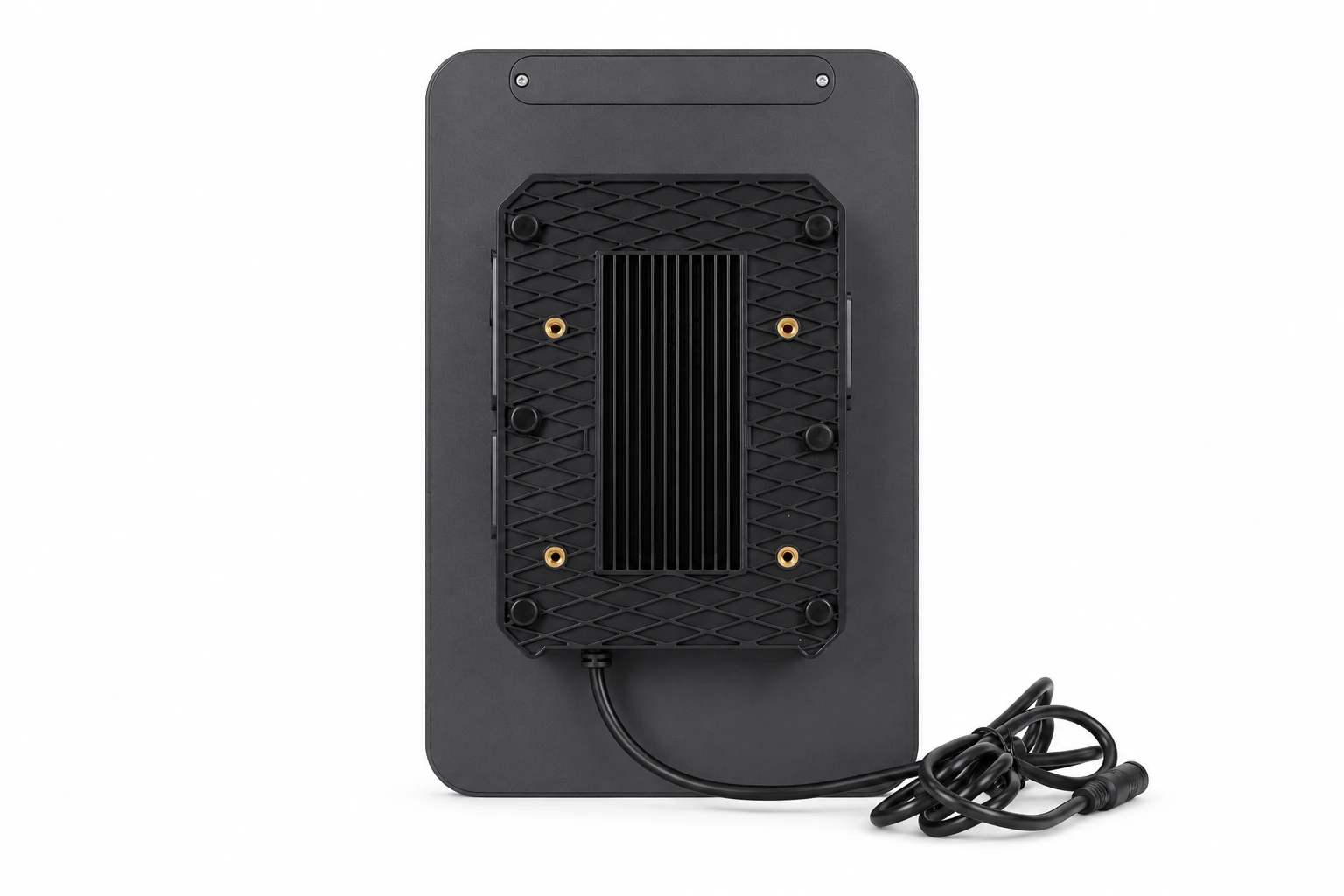 Rear & mounting points
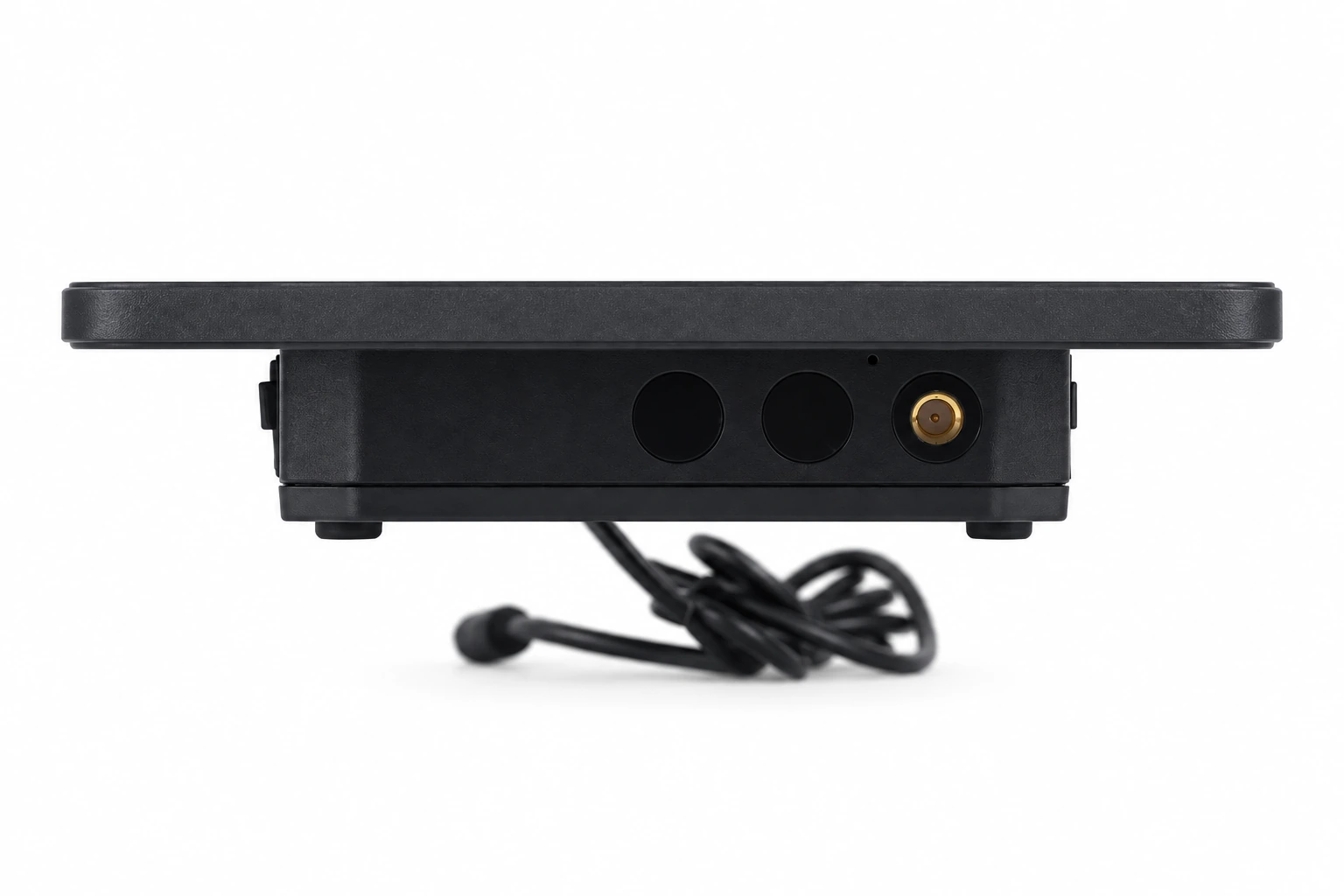 Interface & expansion area
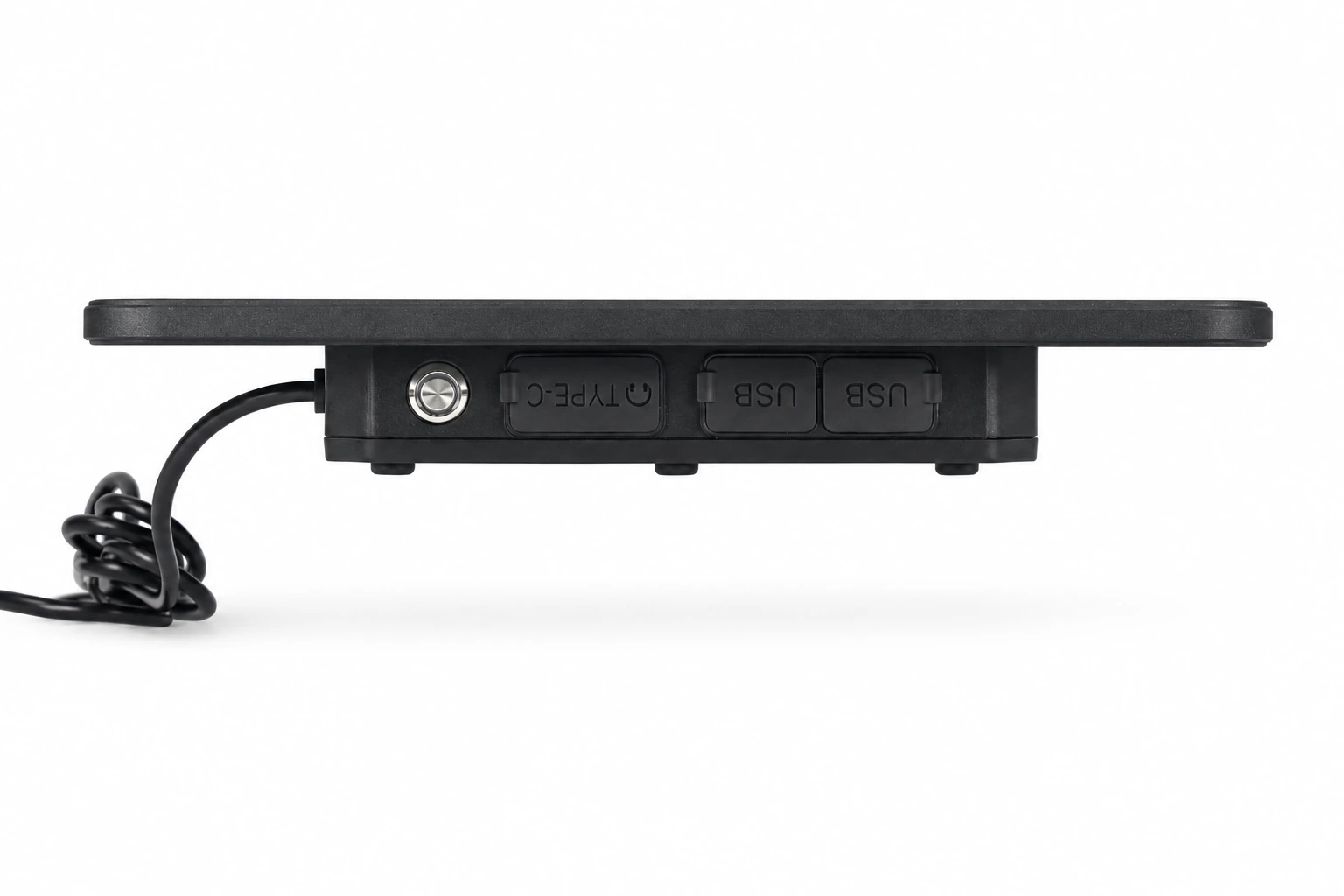 Controls & port covers
 Rear structure & cabling
Product images · configuration varies by model · select an image to enlarge
Start with mounting space, power and display requirements, then review OS versions, software, peripheral protocols and modules. Optional functions depend on the delivered configuration.
A 10.1-inch 1920×1200 landscape interface with DC 9–24V power and optional interfaces for equipment HMIs, vehicle dispatch and positioning-enabled integration projects.
For system integrators, vehicle service providers and equipment manufacturers. Share mounting drawings, peripheral protocols and the software environment to review interfaces, wiring, mounts and integration together, then validate on samples at the deployment site.
Start with screen size and installation space, then compare brightness, storage, power, OS versions and workflow modules. Each model has its own configuration and environmental specifications.
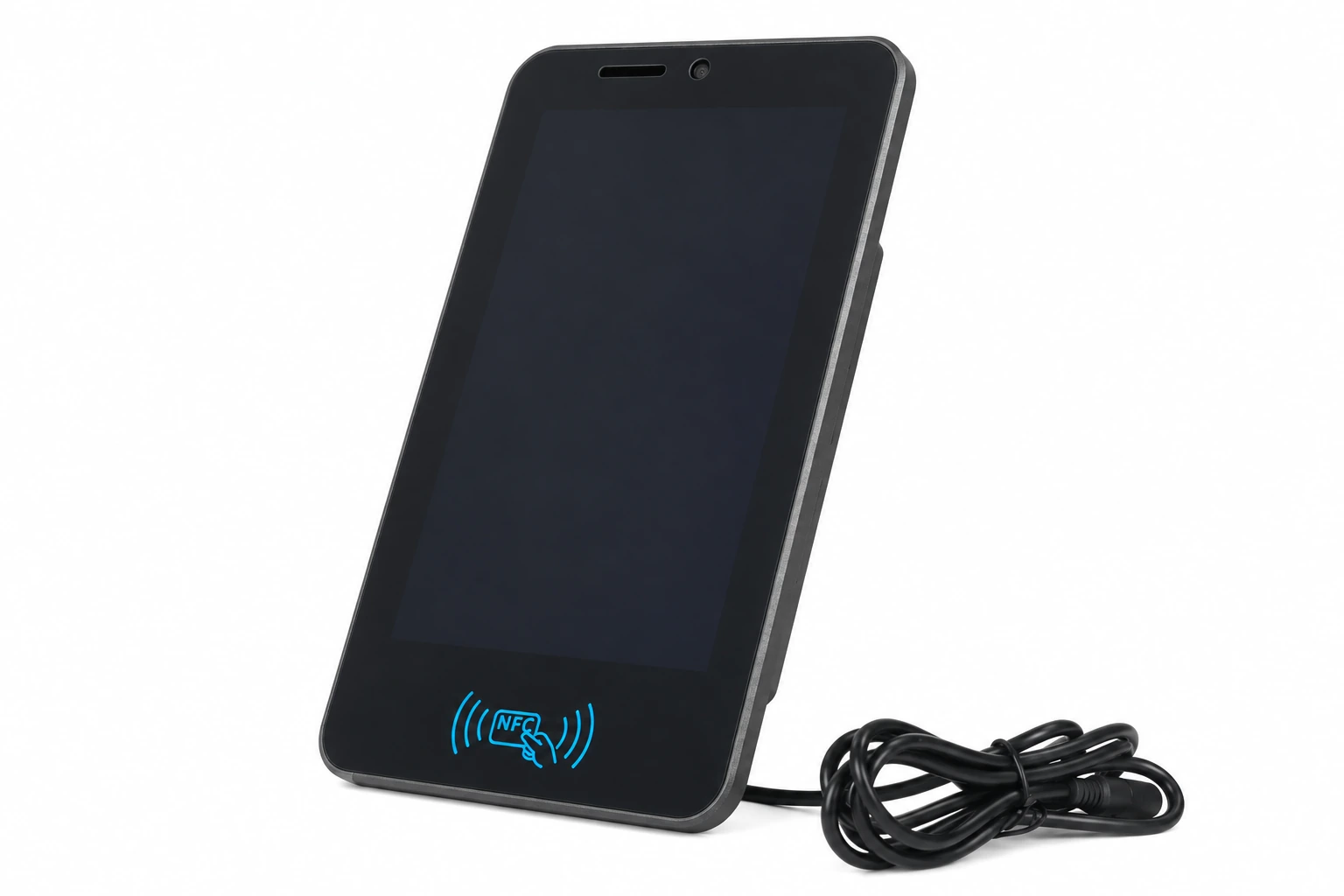
7-inch industrial smart terminal7-inch · compact installations & proximity reading
 8-inch vehicle & fixed-mount terminal
8-inch · vehicle & equipment workstations
 10.1-inch industrial HMI terminal
10.1-inch · larger interfaces, positioning & heading
| Model | Screen / resolution | Brightness | RAM / storage | Power | OS versions | Workflow configuration |
|---|---|---|---|---|---|---|
| K70 ↗ | 7″ IPS/AFFS / 720×1280 | 1000 nits | 6GB / 64GB | DC 12V | Android 9 / 10 / 11 / 13 | Optional RFID / industrial interfaces |
| K70S ↗ | 7″ IPS/AFFS / 720×1280 | 1000 nits | 6GB / 64GB | DC 12V | Android 9 / 10 / 11 / 13 | Optional RFID / industrial interfaces |
| RK70 ↗ | 7″ IPS/AFFS / 720×1280 | 1000 nits | 6GB / 64GB | DC 12V | Android 9 / 10 / 11 / 13 | NFC read/write |
| K80 ↗ | 8″ IPS/AFFS / 1200×1920 | 1000 nits | 6GB / 64GB | DC 9–24V / 3A / 27W | Android 9 / 10 / 11 / 13 | Optional RFID / industrial interfaces |
| RK80 ↗ | 8″ IPS/AFFS / 1200×1920 | 1000 nits | 8GB / 128GB | DC 9–24V / 3A / 27W | Android 11 / 13 | NFC read/write |
| K101 ↗ | 10.1″ IPS/AFFS / 1200×1920 | 500 nits | 6GB / 64GB | DC 12V | Android 9 / 10 / 11 / 13 / GMS | Optional RFID / industrial interfaces |
| K101H ↗ | 10.1″ IPS/AFFS / 1200×1920 | 1000 nits | 6GB / 64GB | DC 12V | Android 9 / 10 / 11 / 13 / GMS | Optional RFID / industrial interfaces |
| K101S ↗ | 10.1″ IPS/AFFS / 1920×1200 | 1000 nits | 6GB / 64GB | DC 9–24V / 3A / 27W | Android 11 / 13 | Landscape / optional serial, NFC, RTK, OBD CAN |
| RK101 ↗ | 10.1″ IPS/AFFS / 1200×1920 | 1000 nits | 8GB / 128GB | DC 9–24V / 3A / 27W | Android 11 / 13 | NFC read/write |
| GK101M ↗ | 10.1″ IPS/AFFS / 1200×1920 | 1000 nits | 8GB / 128GB | DC 9–24V / 3A / 27W | Android 9 / 10 / 11 / 13 | UM982 RTK / dual-antenna heading |
Scroll horizontally for the full comparison. Select a model for independent specifications; confirm modules, cables and accessories for the project.
Select modules against peripherals, tags, power and protocols, then validate software interfaces and site workflows together.
| NFC (optional) | ST21 / under-screen / read-write distance 2–5cm |
|---|---|
| Ethernet (optional) | RJ45 / 10–100M |
| RTK positioning (optional) | UM980 + dish antenna |
| RTK positioning & heading (optional) | UM982 + dish antenna ×2 |
| RS485 (optional) | ×1 |
| RS232 (optional) | ×2 |
| Temperature / pressure sensor (optional) | Optional |
| LoRa (optional) | Optional |
| High-precision GNSS (optional) | M9N (u-blox) + ceramic antenna / MM20B (FMI) + ceramic antenna |
| Module interface requirements | Power 3.3V–1.5A / 5V–1.5A; UART level 3.3V / 5V; GPIO ×1, level 3.3V / 5V |
| OBD CAN (optional) | ×1 |
Confirm modules, interface routing and mounting accessories with the configuration. Optional capabilities are model-specific and do not imply all modules are built in or can be installed together.
Review the display, power, environmental ratings and OS versions for this model against deployment conditions.
| CPU | ARM Cortex A73 / Octa-core / 2.0GHz |
|---|---|
| GPU | ARM Mali-G72 MP3 |
| RAM / storage | 6GB / 64GB |
| Expandable storage | Micro SD, max 1TB |
| Display | 10.1″ IPS/AFFS / 1920×1200 / 1000 nits |
| Touch panel | Capacitive / frosted tempered film / glove touch, spray, active capacitive pen |
| Front camera | 5.0MP |
| Battery & power | No built-in battery / external power supply |
| External power | DC 9–24V / 3A / 27W |
| Data interface | USB Type-A (Host) ×2 / Type-C OTG ×1 |
| SIM / TF slots | Nano SIM ×2, dual standby |
| Headphone | 3.5mm / CTIA |
| Sensors | Gravity / motion / magnetic field / gyroscope / light / acceleration |
| Body sensing | 4G microwave radar sensor |
| Navigation | GPS + GLONASS + BeiDou + AGPS + SBAS (EPO 2.5m) |
| 2G bands | GSM B2 / B3 / B5 / B8 |
| 3G bands | WCDMA B1 / B2 / B5 / B8 |
| 3G data | WCDMA 3.75G / HSDPA+ 42.2Mbps / HSUPA+ 11.5Mbps |
| 4G bands | TD-LTE B38 / B39 / B40 / B41; FDD-LTE B1 / B2 / B3 / B4 / B5 / B7 / B8 / B12 / B17 / B20 / B28 |
| 4G data | FDD / TDD: 150Mbps down / 50Mbps up |
| Wi-Fi | 2.4GHz / 5GHz / 802.11 a/b/g/n/ac |
| Bluetooth | 5.0 / LE |
| Dimensions | 261 × 167 × 35mm |
| Weight | 1100g |
| Colour & materials | Grey / ABS + PC + metal |
| Water / dust protection | Waterproof class 5 / dustproof class 6 (IEC 60529) |
| Vibration | 1–19Hz / 1.0mm; 19–200Hz / 1.0g |
| Drop / impact | MIL-STD-810G / Method 516.6 / Procedure IV / touch panel IK05 |
| Operating temperature | -40°C to 60°C |
| Storage temperature | -40°C to 80°C |
| Reliability | MTBF >5000h / MTTR <0.5h |
| Relative humidity | 5%–95% (non-condensing) |
| Operating altitude | 4500m max |
| Certification | 3C / FCC / CE / ROHS / IP65 (IEC 60529) |
| OS versions & compatibility | Android 11 / 13 |
| Device warranty | 24 months |
| OEM / ODM | Supported for branding and project configurations |
Work with product and engineering teams to validate software, modules and operating conditions together.
Share mounting dimensions, input voltage, peripheral protocols and the software environment for configuration advice.
Deployment countries, vehicle or equipment type, display visibility, mounting space and protection requirements.
OS compatibility, applications, tag samples, corrections, power and cable validation.
Sample results, exact model, accessories, volume and rollout plan.
Select K101S around mounting space, display, touch, software and peripherals. Check power, external interfaces and board configuration, then validate cutouts, cabling and application integration.
For: Equipment manufacturers, automation integrators and industrial software providers
Check model datasheets · Prepare SDK and application interfaces · Discuss your project configuration
Talk to SOTEN about your application, device configuration and system integration.

