Confirm the build
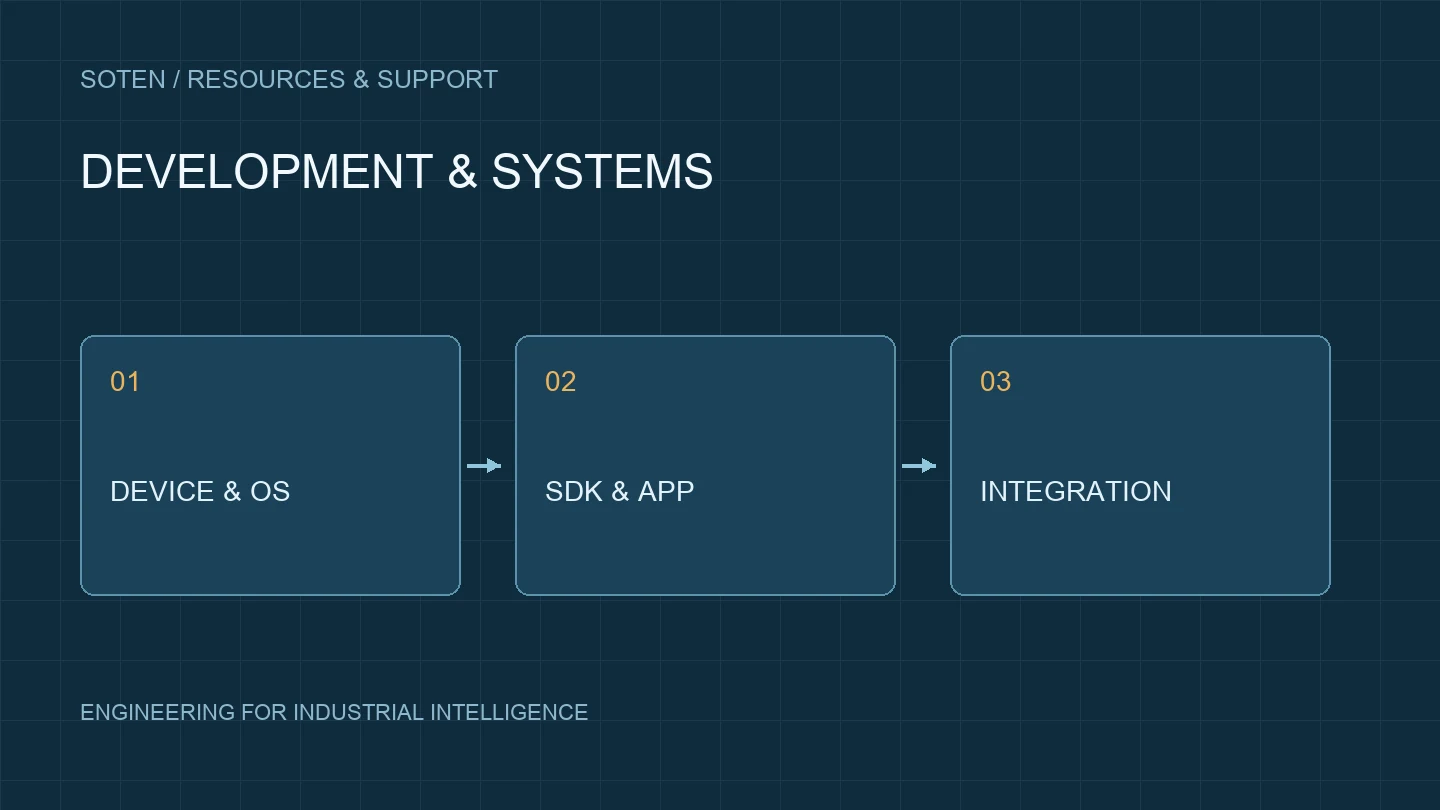
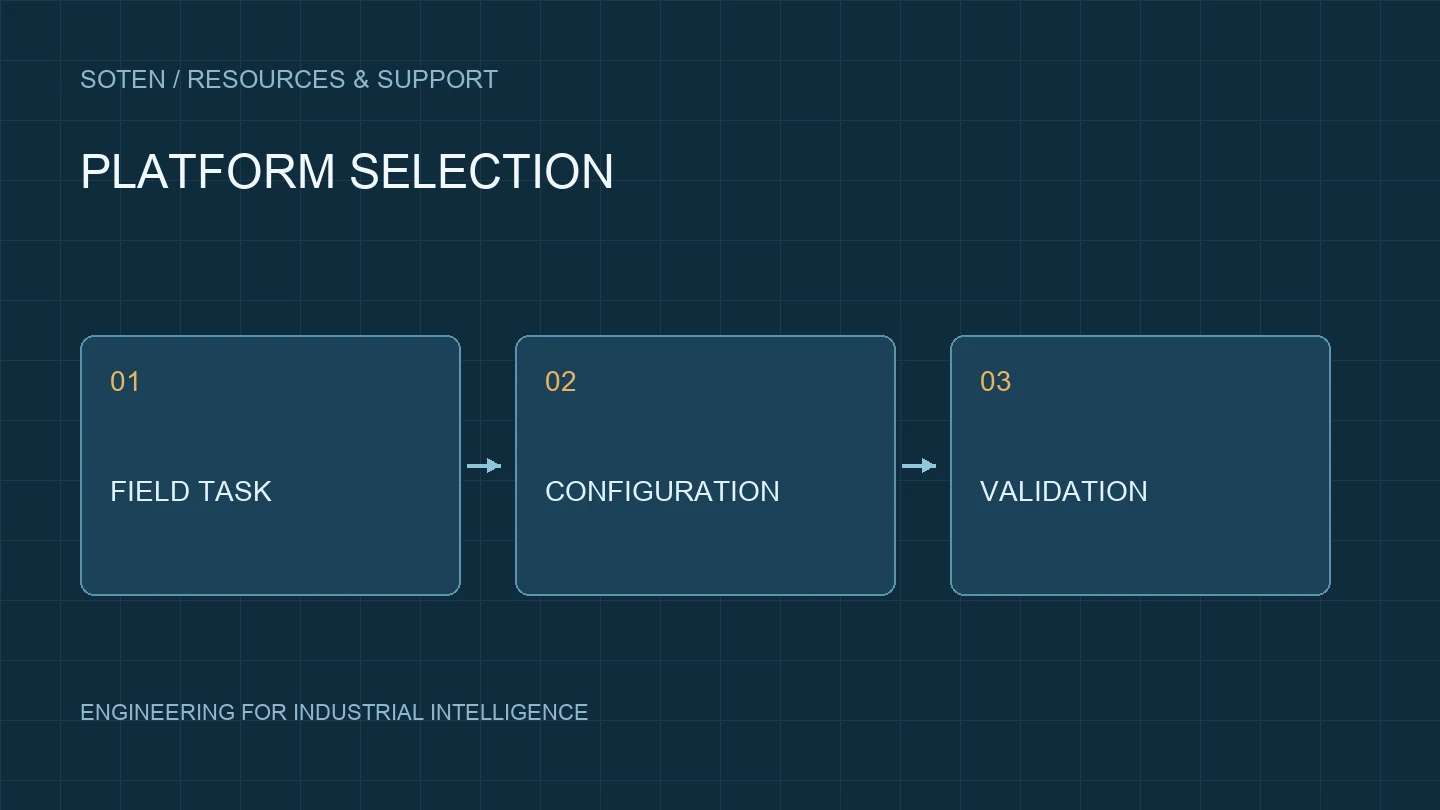
Record platform, configuration, OS, firmware and capture module. Confirm Android, OpenHarmony, Starlight Kylin and Windows separately; a product family alone does not establish SDK compatibility.
Resources and interface scope
Confirm interface documentation, SDKs, samples, permissions, return values, errors and licenses. Palm-vein devices and SDKs are available for project integration against the selected model.
Validate in layers
Test module diagnostics, sample applications, the business app and backend uploads in sequence. Record inputs, time, logs and outputs to distinguish hardware, driver, SDK, app and network issues.
Exceptions and endurance
Cover reconnection, permissions, sleep and wake, application restart and invalid data. Use authorized test data and review storage and transport for sensitive workflows.
Request integration support
Send model, OS and module revisions, development framework, symptoms and redacted logs to FAE@soten.com.cn. SDK and firmware resources are supplied after matching the project configuration.