
Machine integration & operator HMI
Match display, touch input and control-system connectivity to your panel cutout, mounting position and operator workflow.
Connect your equipment and industrial applications with the right display, touch panel and computing platform.
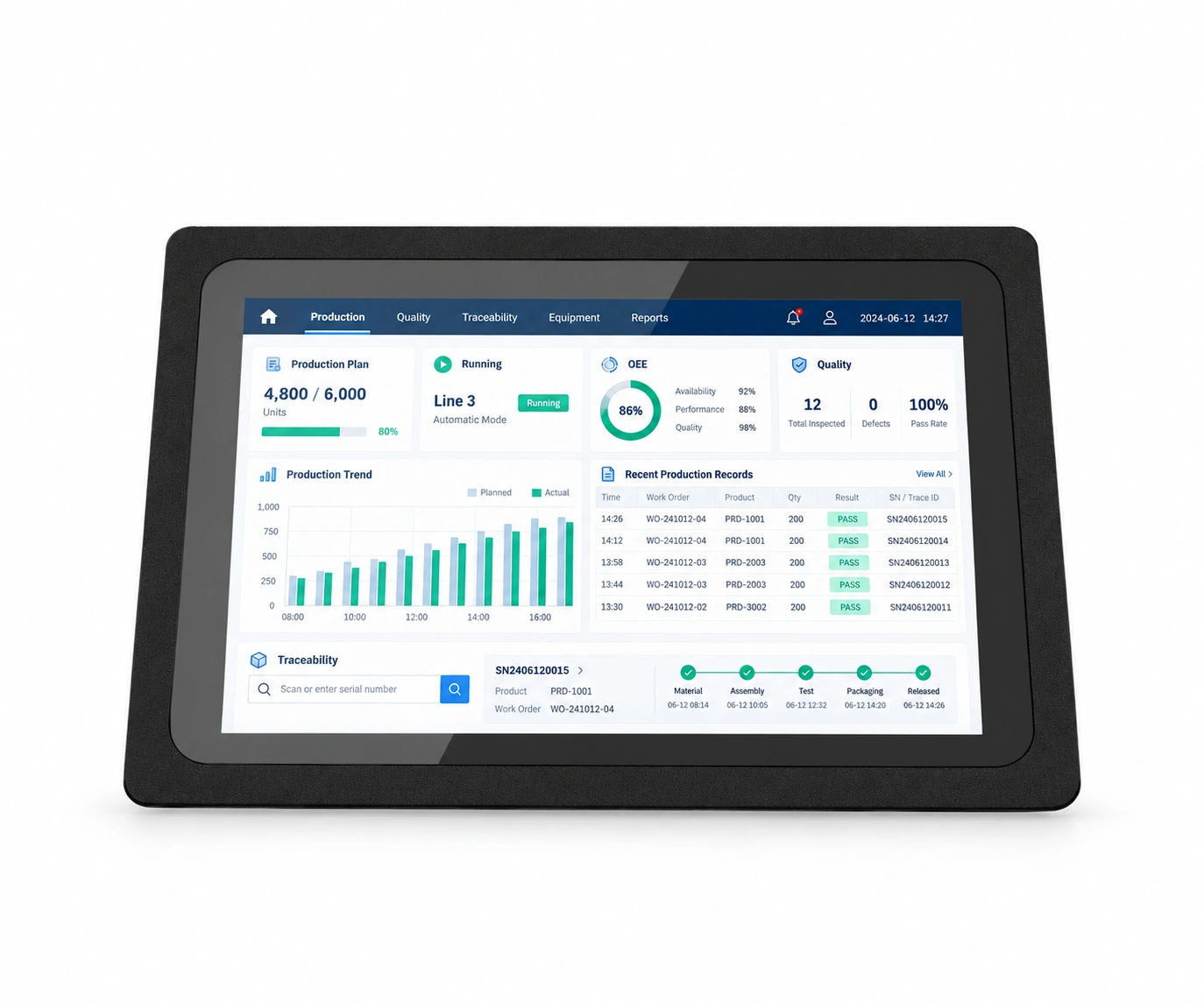 Industry application interface illustration
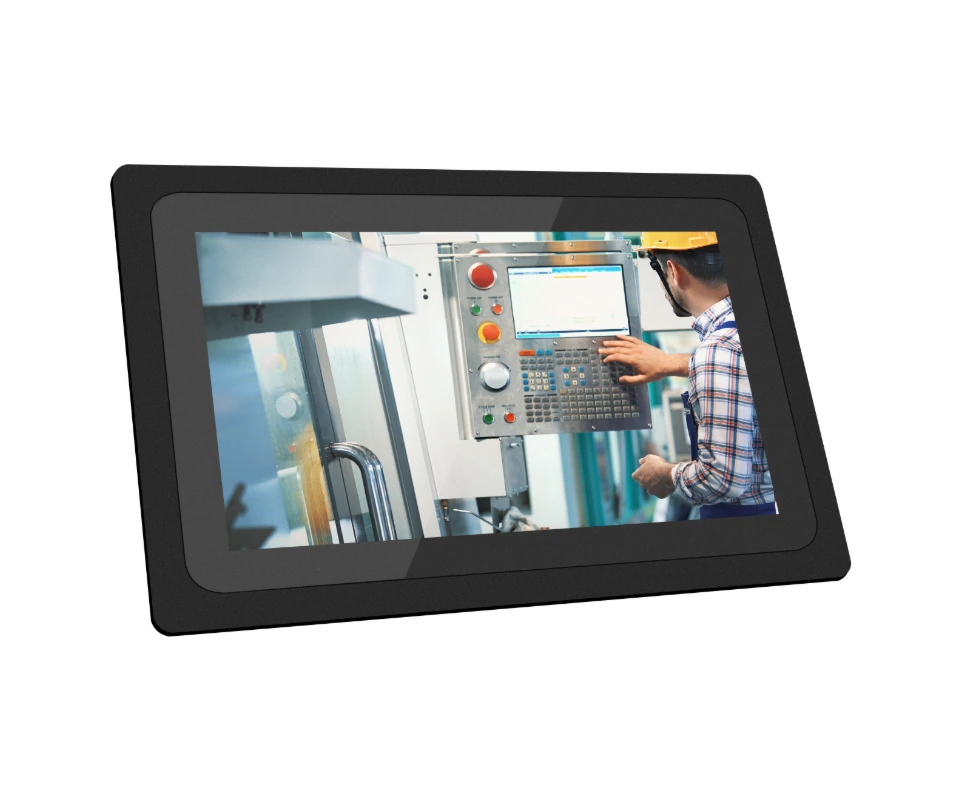 PTC16W · alternative board configuration
 Dimensions & mounting
 Selected mainboard interfaces
 Alternative mainboard interfaces
 8-inch series view
Industry interface illustration · software and device configuration depend on the project · select an image to enlarge
Start with your operating environment, applications and equipment interfaces to define the display and computing configuration.
Match display, touch input and control-system connectivity to your panel cutout, mounting position and operator workflow.
Connect production reporting and workstation workflows with industrial software, networking and scanning peripherals.
Select display size and OS for fixed terminals, then validate peripheral and software integration with a sample.
PTC brings industrial touch display and computing together as an operator interface. Equipment manufacturers, automation integrators and industrial software partners can select the display, touch panel and mainboard around mounting space, input requirements, applications and peripherals.
Combine display size, touch panel and mainboard within one series, then review the configuration reference and technical documentation.
| Touch panel | Size | Resolution | Android ARM | Windows x86 | Select |
|---|---|---|---|---|---|
| Capacitive | 8″ | 1024*768 | PTC08A | PTC08W | Select ↗ |
| Capacitive | 8.4″ | 800*600 | PTC09A | PTC09W | Select ↗ |
| Capacitive | 10.1″ | 1200*800 | PTC10A | PTC10W | Select ↗ |
| Capacitive | 10.4″ | 1024*768 | PTC11A | PTC11W | Select ↗ |
| Capacitive | 12.1″ | 1024*768 | PTC12A | PTC12W | Select ↗ |
| Capacitive | 13.3″ | 1920*1080 | PTC13A | PTC13W | Select ↗ |
| Capacitive | 15″ | 1024*768 | PTC15A | PTC15W | Select ↗ |
| Capacitive | 15.6″ | 1920*1080 | PTC16A | PTC16W | Select ↗ |
| Capacitive | 17″ | 1280*1024 | PTC17A | PTC17W | Select ↗ |
| Capacitive | 18.5″ | 1920*1080 | PTC18A | PTC18W | Select ↗ |
| Capacitive | 19″ | 1280*1024 | PTC19A | PTC19W | Select ↗ |
| Capacitive | 21.5″ | 1920*1080 | PTC21A | PTC21W | Select ↗ |
| Resistive | 10.4″ | 1024*768 | PTR10A | PTR10W | Select ↗ |
| Resistive | 12.1″ | 1024*768 | PTR12A | PTR12W | Select ↗ |
| Resistive | 15″ | 1024*768 | PTR15A | PTR15W | Select ↗ |
| Resistive | 17″ | 1280*1024 | PTR17A | PTR17W | Select ↗ |
Processors, storage, operating systems and interfaces depend on the mainboard. Validate applications, drivers and peripherals on the chosen platform.
For Android applications, touch HMIs and embedded equipment integration.
| Processor platform | RK3288 / Quad-core Cortex-A17 |
|---|---|
| Graphics | Mali-T764, Support AFBC, Support OpenCL ES 1.1/2.0/3.1, Open CL,DirectX 9.3 |
| Memory | DDR-2G |
| Storage | EMMC-8G |
| Security | ARM TrustZone (TEE), Secure Video Path, Cipher Engine, Secure boot |
| Operating system | Android 7.1/9/10 |
Android 7.1 / 9 / 10 configurations. Confirm the OS image and application compatibility for your chosen board and delivery configuration.
| Wi-Fi | WIFI-2.4G |
|---|---|
| Bluetooth | BT 4.1 |
| Ethernet | RJ45*1,100M |
For Windows industrial software, machine host applications and existing x86 systems.
| Processor | Intel® Core® i3-3110M 2.4GHz |
|---|---|
| Memory | DDR3 8G |
| Storage | SATA SSD 128G |
| BIOS | 8MB SPI BIOS |
| Graphics | Intel® Core® Graphics 4000 |
| Audio controller | USB HD |
| Operating system | Linux(free) , Windows7/10(Paid optional) |
Windows 7 / 10 are paid OS options; Linux configurations are also available. Confirm applications, drivers and licensing for the selected board.
| Network controller | Realtek |
|---|---|
| Ethernet speed | 10/100/1000Mbps |
| Wake on LAN | Support |
| PXE | Support |
| Wireless expansion | Support |
Distinguish exposed ports from onboard headers, then define enclosure cutouts, cabling and mounting for equipment integration.
| Network | RJ45*1,100M |
|---|---|
| Audio | Headset socket*1 |
| Display output | HDMI2.0*1, nax Resolution 4K@60Hz |
| Power input | DC12V input x1 |
| USB | 1.5A Host_USB*1, OTG_USB*1 |
| Storage expansion | TF card*1 |
| I/O | TTL*2, GPIO*4, Debug serial port*1 |
|---|---|
| Audio expansion | Speaker *1, Support a max of 8Ω 5W dual-channel speaker output, MIC*1 |
| Display connection 1 | LVDSx1(2×15 2.0mm Dual channel Dupont head, Max supported 1200*1920@60Hz) |
| Display connection 2 | EDPx1 (2×15 2.0mm 24 bit Dual channel Dupont head, Max supported 1920×1080@60Hz) |
| Onboard power | Onboard power interface*1, Battery interface*1 |
| Onboard USB | 1.5A Host_USB*1, 1.0A Host_USB*1 |
| Other interfaces | Remote*1, Red light*1, Green light*1 |
| Network | RJ45*1 |
|---|---|
| Audio | Line-outx1(green), Mic-inx1(pink) |
| HDMI | HDMIx1, Max Resolution 1920×1080@60Hz |
| VGA | VGA (DB15) x1, Max Resolution 2560×1600@60Hz |
| Power input | DC12V input x1 |
| USB | USB 2.0×2, USB 3.0×2 |
| Serial interfaces | ITE SIO Chip, Serial interface*2 (COM1, COM2 5 Pin*2) |
|---|---|
| Audio expansion | Front facing Audio, 2x5Pin*1, Line-out*1, Mic-in*1, 4Pin*1 |
| LVDS | LVDSx1(2×15 2.0mm Dual channel Dupont head, Max supported 1920×1200@60Hz) |
| eDP | EDPx1 (2×15 2.0mm 24 bit Dual channel Dupont head, Max supported 1920×1080@60Hz) |
| Onboard power | 2×2 ATX *1 |
| Onboard USB | 2x5Pin x2, USB2.0*4 |
| mSATA | mSATA SSD card |
Mounting options include embedded buckles, inset panels, wall brackets, bases and VESA interfaces. Confirm cutouts, fixing positions, rear clearance, cooling and cable routing for the selected display and board.
View selected configuration drawing ↗Review modules, interfaces and software integration for barcode, NFC, RFID, fingerprint readers and peripherals such as keyboards, card readers, scanners and external cameras. Options depend on the board and device configuration.
Explore engineering & customisation ↗Review the full specification and dimensions for the chosen board, then validate samples and software in the intended installation.
| Front display protection | Front display IP65 (IEC 60529) |
|---|---|
| Touch panel impact protection | IK05 |
| Operating temperature | -20°C to 50°C |
| Storage temperature | -30°C to 80°C |
| Reliability | MTBF>5000h; MTTR<0.5h |
| Relative humidity | 5% to 95% |
| Operating altitude | Max: 4,500m (15,000 feet) |
IP65 applies to the front display, subject to panel mounting and sealing. It does not imply the same protection for rear connectors or every installation method.
Share display size, touch requirements, software, power, interfaces, mounting drawings and expected volume to define configuration, sample validation and delivery.
Select PTC around mounting space, display, touch, software and peripherals. Check power, external interfaces and board configuration, then validate cutouts, cabling and application integration.
For: Equipment manufacturers, automation integrators and industrial software providers
Check model datasheets · Prepare SDK and application interfaces · Discuss your project configuration
Talk to SOTEN about your application, device configuration and system integration.