
HUGEROCK / X70 NAVIGATION & EQUIPMENT CONNECTIVITY
X707-inch Outdoor Navigation Tablet
Connect vehicle navigation, mobile equipment and industry applications through a 2600nit display, M9N positioning and an M12 DC/RS232 interface.
7″ / 1920×10802600nit4G / M9N 5Hz10000mAhIP678GB / 128GB
 Industry application interface illustration
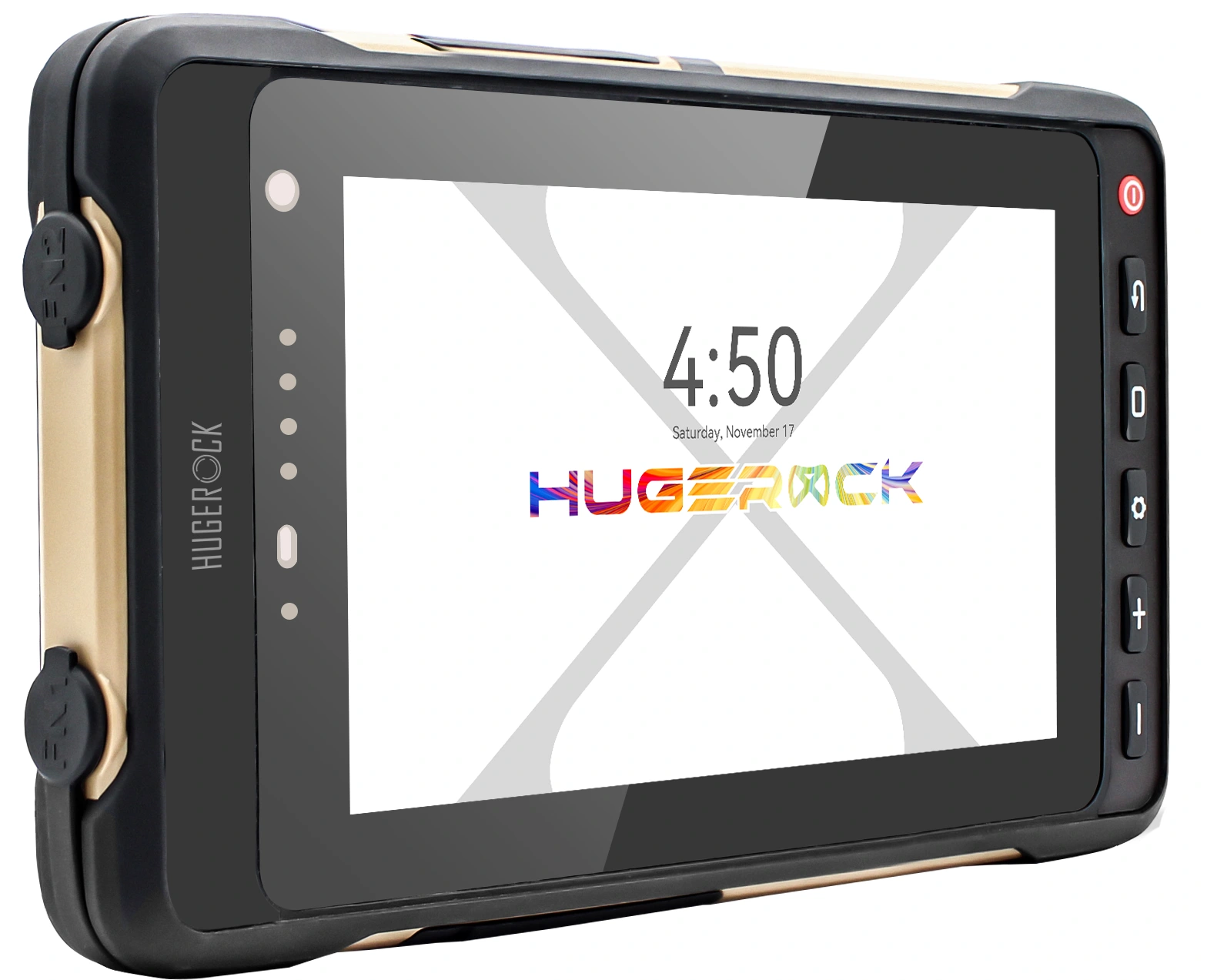 Three-quarter view
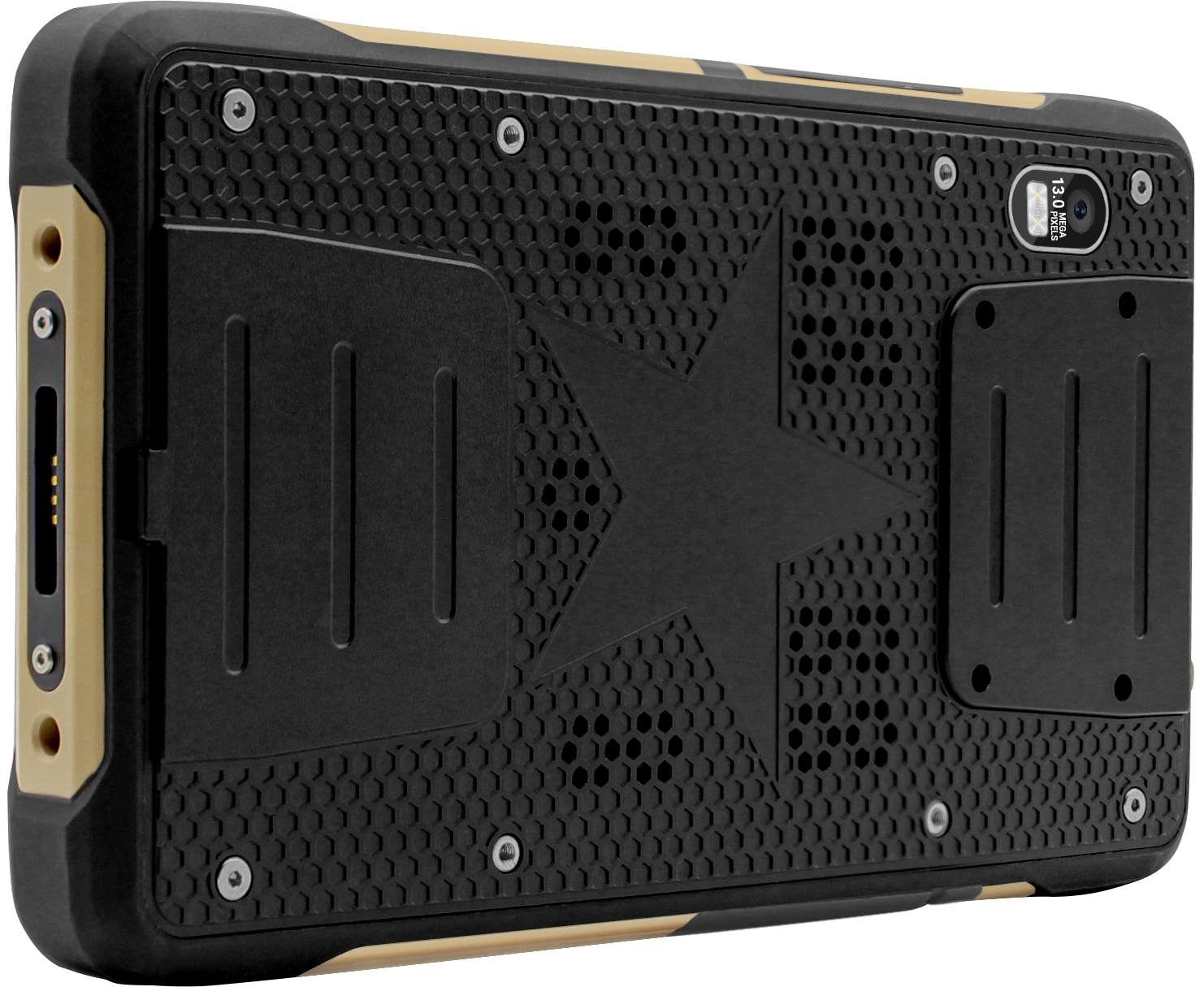 Rear design
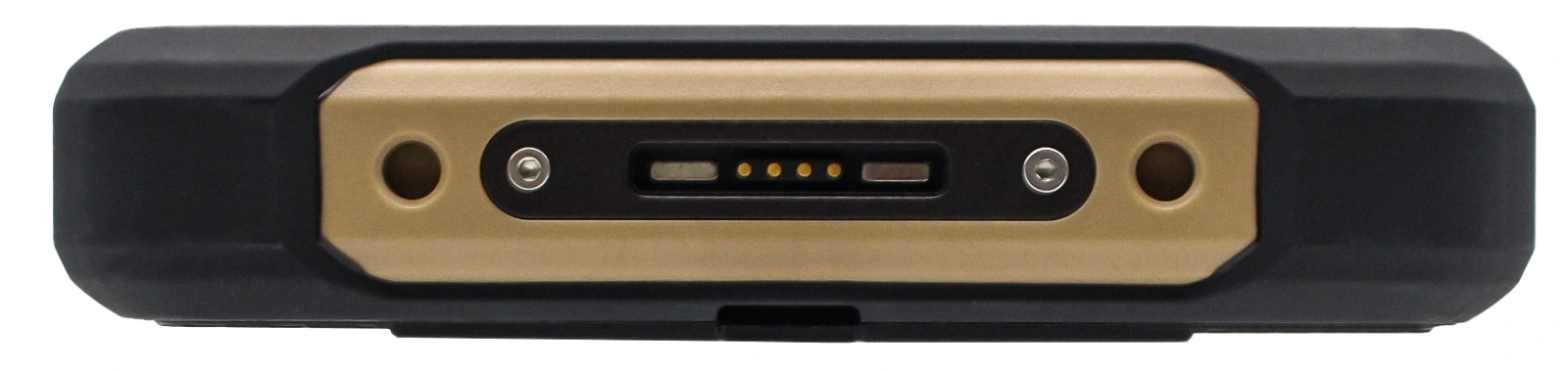 Side profile & connection area
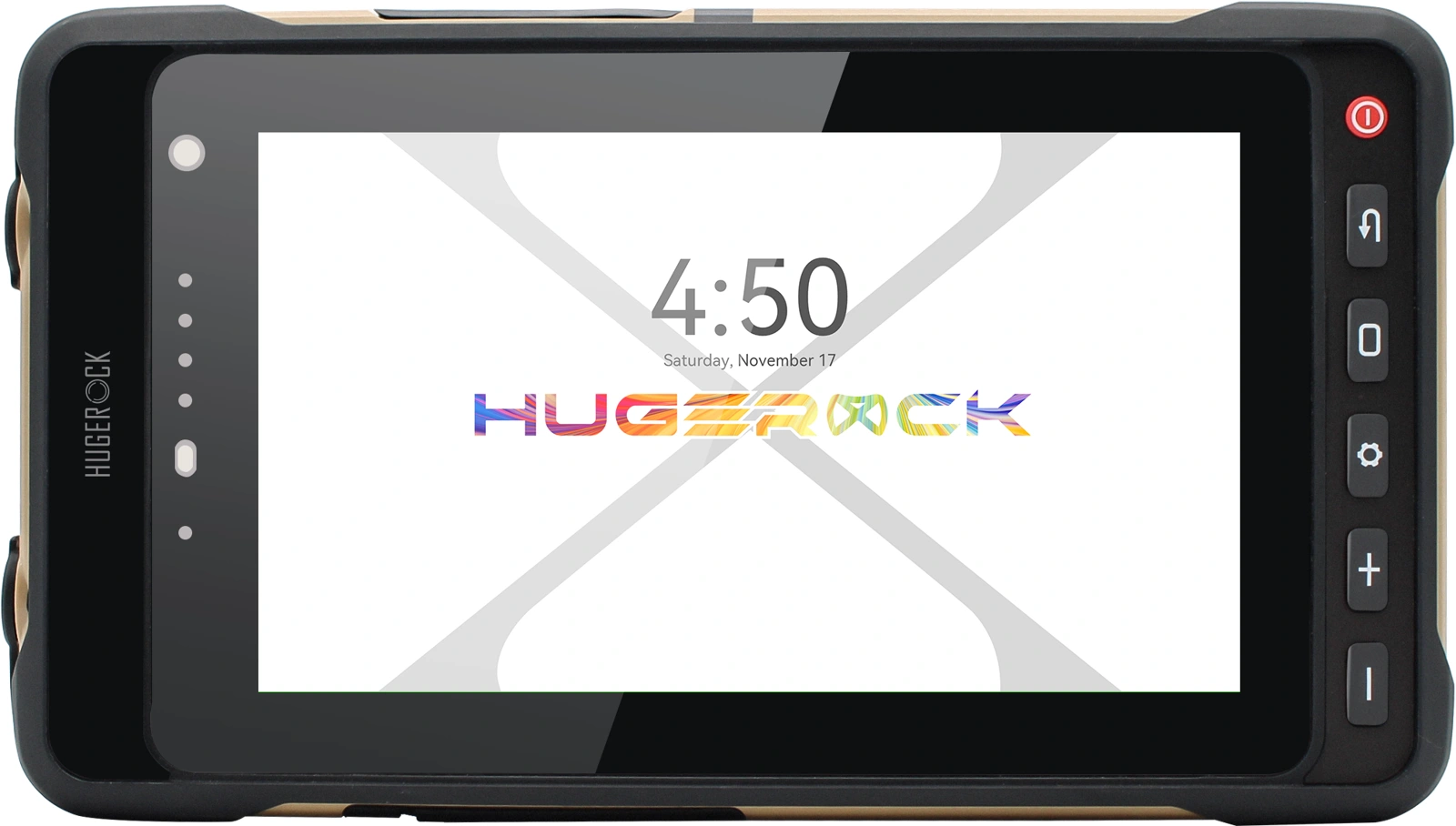 Front & operating buttons
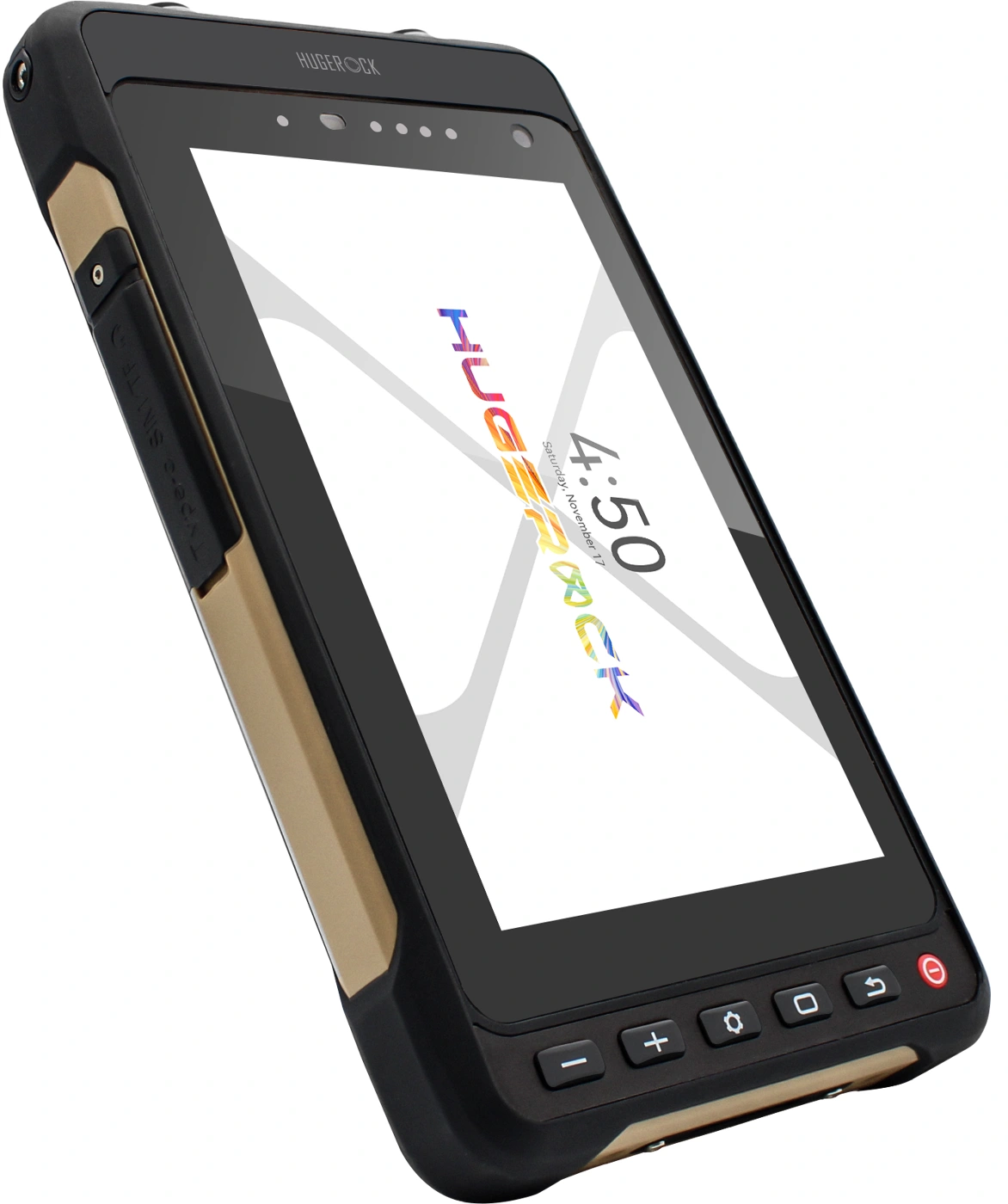 Portrait mounting view
Industry interface illustration · software and device configuration depend on the project · select an image to enlarge
01 / APPLICATION FIT
Match the terminal to your workflow.
For motorcycle and outdoor device brands, navigation software providers, fleet-system vendors and equipment integrators: review positioning data, peripheral protocols, mounting and power.
Vehicle location services & equipment connectivity
Outdoor mobile workstations & industry applications

Motorcycle navigation
Validate map software, antenna placement, viewing angle and mounting on the vehicle.
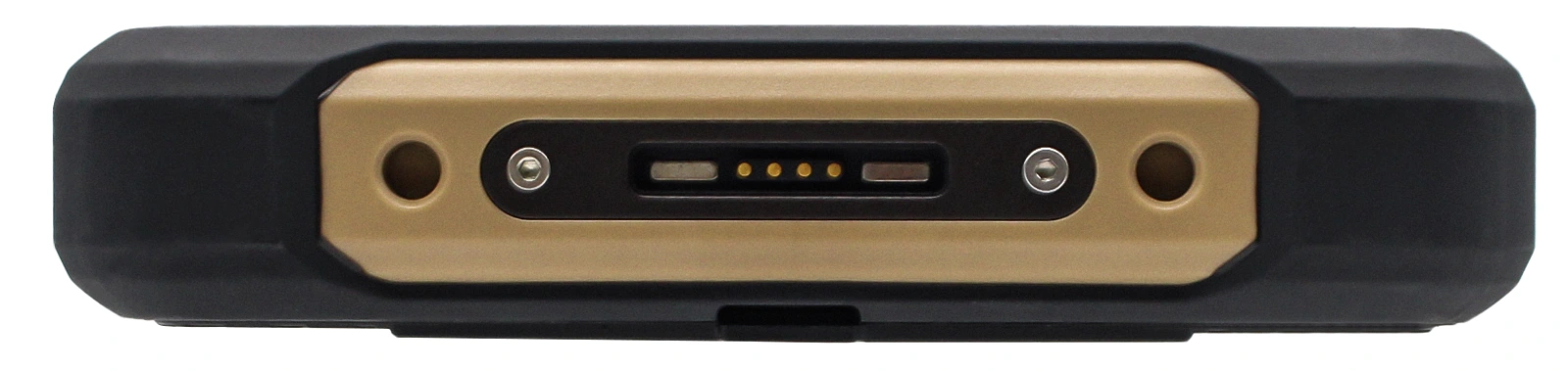
Location data & peripheral integration
Review M9N data access, M12 harnesses and RS232 protocols on the complete equipment setup.
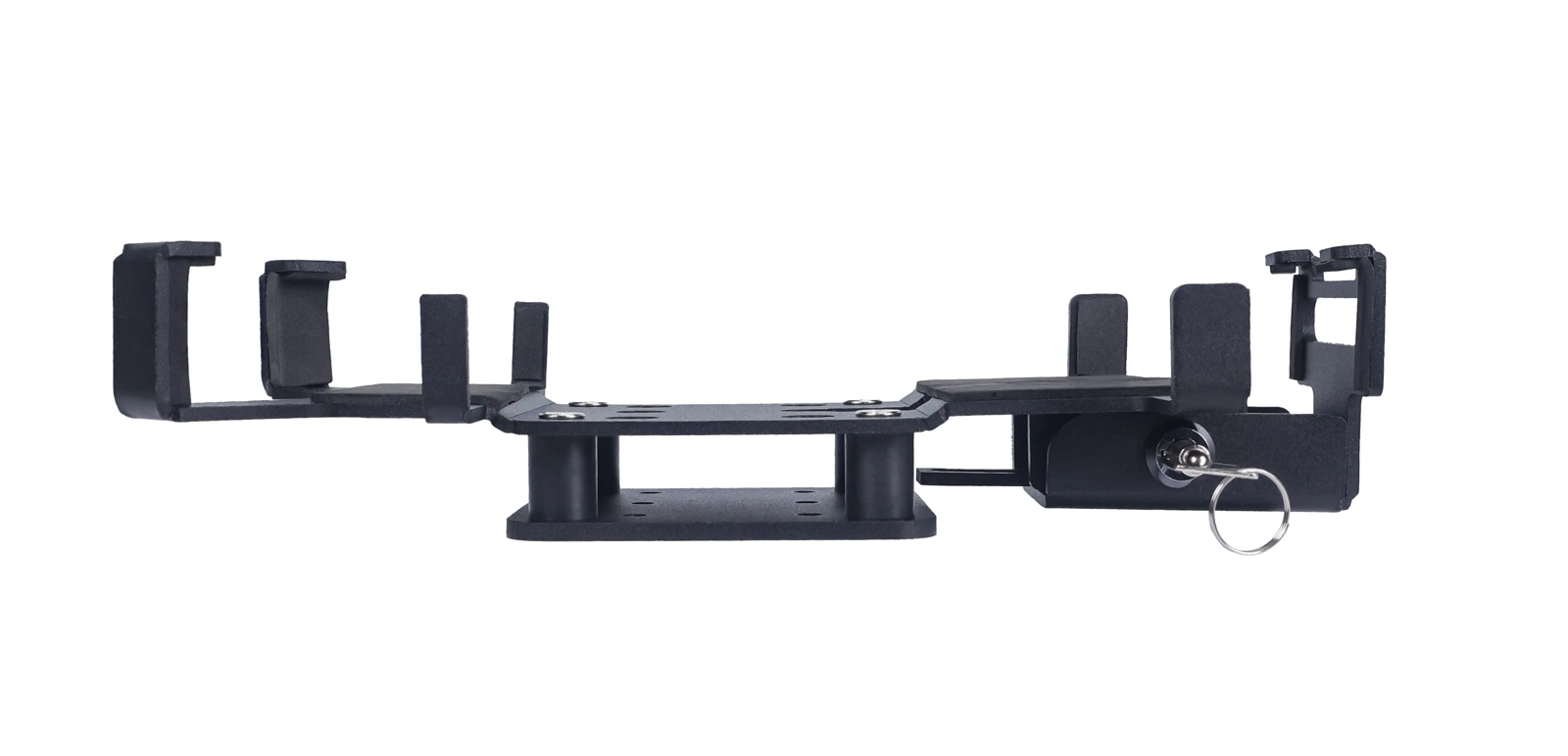
AMPS mounting accessories
Confirm mounts and accessories against device retention, mounting points and locking needs.
Configure the terminal around location data and vehicle connectivity.
X70 combines a 7-inch 1920×1080 2600nit display with M9N multi-constellation positioning and specified 5Hz position reporting. Built-in ceramic and external SMA active antennas switch automatically. The M12 interface provides DC power and RS232 connectivity, while a 10000mAh removable battery supports backup-power and maintenance planning. Review application versions, positioning-data access, serial protocols, power harnesses, mounts and field performance for the project.
02 / DEPLOYMENT SELECTION
Start with the application, then define mounting and power.
Validate software, connectivity, mounting and power together against operating conditions and workflows.
Software & positioning data
Confirm application versions, Android compatibility, M9N data access and positioning-update requirements.
Mounting & position
Review clamps, mounting points, viewing angles, vibration and operating space.
Power & charging
Review M12 power harnesses, 4PIN magnetic charging, cable routing and backup-power plans; validate runtime under actual workloads.
Field conditions & operation
Validate sunlight, temperature, 10-point touch, mounting vibration and weather conditions with a sample.
| Model | X70 |
|---|---|
| Display & brightness | 7″ / 1920×1080 / 2600nit |
| RAM / storage | 8GB / 128GB |
| Body & battery | 230×131×25mm / 800g / 10000mAh |
| Body colours | Desert yellow |
Map navigation, fleet workflows and equipment data access depend on paired software. Share applications, RS232 protocols, positioning-update requirements, power conditions and mounting methods to confirm the device configuration.
03 / CONNECTIVITY & MOUNTING
Bring display, connectivity and mounting together.
Validate interfaces and cables with actual equipment and software, then confirm the installation.
| Software compatibility | Android 9/10/11/13 (Continuously Updated) |
|---|---|
| Positioning module & updates | The professional-grade positioning module (Ublox-M9N) supports GPS, GLONASS, BeiDou, and Galileo (with position information reporting at 5Hz) |
| Positioning antennas | It features a built-in ceramic positioning antenna and an external SMA active antenna with automatic switching |
| M12 aviation connector | DC powered/RS232 serial port |
| Data interface | USB Type-C*1 |
| Charging interface | 4PIN magnetic charging interface |
| Charger & power | 5.0V 2A-10W |
Serial & positioning-data access
Review RS232 baud rates, data formats, protocols, harnesses and application interfaces on the complete equipment setup.
Mounting & power accessories
Confirm handlebar, AMPS or workstation mounting, antenna placement, harnesses and power conditions.
Software & field validation
Test visibility, touch, maps, serial data, positioning updates and working duration using the target application.
5Hz is the specified position-reporting rate; validate positioning performance against antenna placement and field conditions. Confirm M12 power and RS232 against harnesses, pin assignments and equipment protocols, and match vehicle power to the appropriate power accessories.
04 / MODEL-SPECIFIC SPECIFICATIONS
X70 technical specifications
Review hardware, software, interfaces and environmental specifications for the selected model. OS and module combinations are confirmed for the delivery configuration.
Hardware & display
| CPU | ARM Cortex A73 octa-core (2.0GHz) |
|---|---|
| GPU | ARM Mali-G72 MP3 |
| RAM | 8GB |
| Internal Memory | 128GB |
| Extended memory | Micro SD card(T-FLASH card), max 2TB |
| Rear camera | 13.0MP(AF)with flash led |
| Front camera | 5.0MP |
| Battery | 10000mAh Removable Battery |
| Dispaly | 7 inch IPS/AFFS 1920*1080 FHD industrial high colour gamut 2600nit Strong light Readable |
| Touch Panel | 10-point capacitive touch screen |
Communications & connectivity
| Phone Call | GSM /WCDMA/VoLTE |
|---|---|
| 2G | GSM/EDGE/GPRS/WAP |
| 2G Band | GSM(B2/3/5/8) |
| 3G | WCDMA 3.75G (HSDPA+42.2Mbps, HSUPA+11.5Mbps) |
| 3G Band | WCDMA(B1/2/5/8) |
| 4G | FDD: 150Mbps down, 50Mbps UP TDD: 150Mbps , 50Mbps up |
| 4G Band | TDD-LTE(B38/39/40/41); FDD LTE (B1,B2,B3,B4,B5,B7,B8,B12,B17,B20,B28) |
| WI-FI | Dual-band WIFI (2.4GHz/5Ghz) single stream 802.11 a/b/g/n/ac |
| Bluetooth | 5.0 Low Energy |
Interfaces, sensors & positioning
| SIM Card | Nano SIM card * 2, MicroSD card * 1 (Choose any two out of three) |
|---|---|
| Headphone | 3.5mm(CTIA) |
| Charging interface | 4PIN magnetic charging interface |
| Data interface | USB Type-C*1 |
| M12 aviation connector | DC powered/RS232 serial port |
| Gravity Sensor | support |
| Motion Sensor | support |
| Light-sensor | support |
| Charger | 5.0V 2A-10W |
| Navigation | The professional-grade positioning module (Ublox-M9N) supports GPS, GLONASS, BeiDou, and Galileo (with position information reporting at 5Hz) |
| Antenna | It features a built-in ceramic positioning antenna and an external SMA active antenna with automatic switching |
Mechanical design
| Size | 230*131*25mm(LxWxH) |
|---|---|
| Weight | 800g |
| Color & Material | Desert Yellow (PC+ABS) |
Environment & reliability
| Shake-proof | 1-19Hz/1.0mm; 19-200Hz/1.0g |
|---|---|
| Dropproof /IK | MIL-STD-810G/Method516.6/Procedure IV & Touch Panel IK05 |
| Waterproof | Class 7 IEC 60529 |
| Dustproof | Class 6 IEC 60529 |
| Operating temperature | -20°C to 55°C |
| Storage Temperature | -40°C to 80°C |
| Reliability | MTBF>5000h;MTTR<0.5h |
| RH | 5% to 95% (95%RH, non-condensing) |
| Operating Altitude | Max: 4,500 m |
OS & service
| OS | Android 9/10/11/13 (Continuously Updated) |
|---|---|
| Warranty | 12 Months |
05 / RESOURCES & DELIVERY
From selection to project delivery.
Download the selected model documentation, then review software, peripherals, cables, accessories and deployment volume with SOTEN.
PDF / X70X70 technical datasheetHardware · interfaces · display · environmentV2.1 ↗OEM / ODMEngineering & project integrationSystem integration · modules · sample validationExplore engineering ↗
Define the workflow
Deployment regions, workflow, operating conditions and business software.
Validate modules & integration
Target applications, peripherals, interface cables, OS versions and device accessories.
Confirm build & delivery
Exact model, configuration list, volume, testing and rollout schedule.
X70 selection & system integration
Assess X70 by environment, applications, capture modules and peripherals. Compare OS, display, power and interfaces using the specifications and original documentation, then agree the delivery configuration.
For: Industry software providers, system integrators and device brands
Check model datasheets · Prepare SDK and application interfaces · Discuss your project configuration